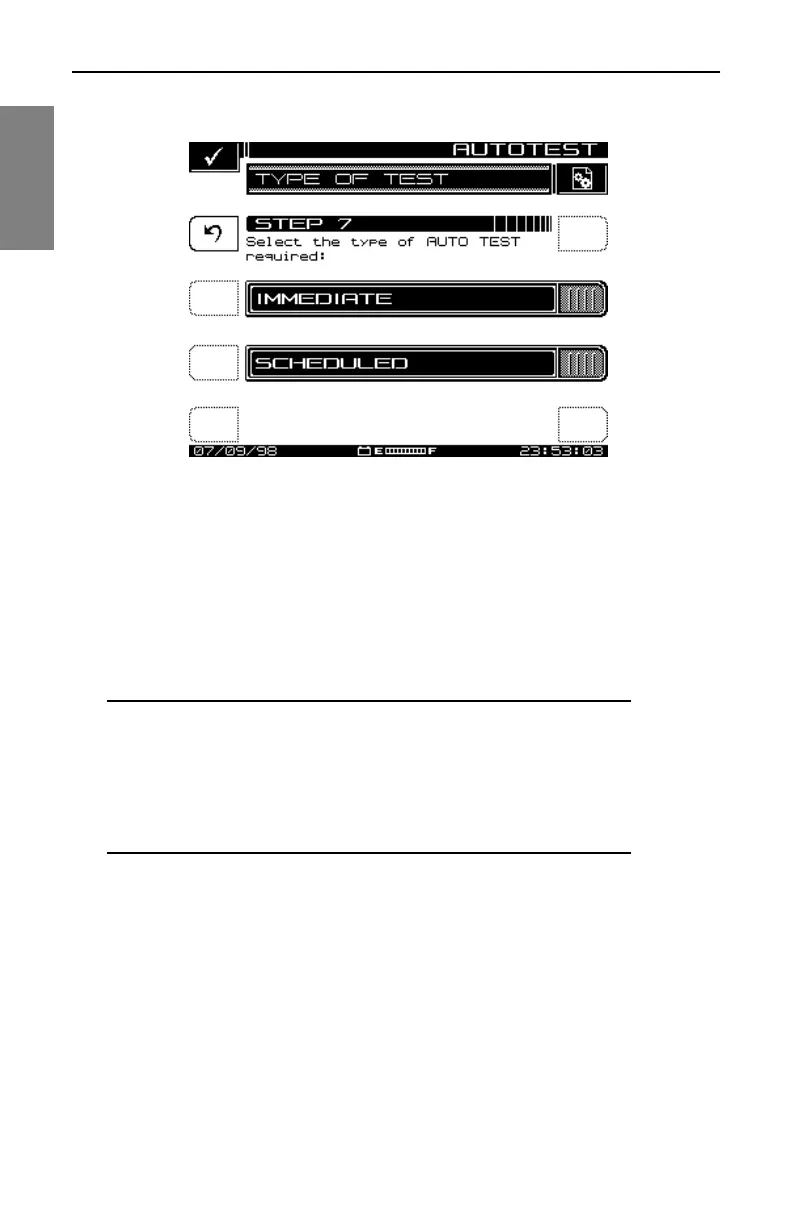
Automatic Test: Performing an Auto Test
190
10
Fig. 10-10 The SET SCHEDULE Screen
Temperature
The ambient temperature at which the test is performed is recorded. The
instrument contains an internal temperature sensor for this purpose. If you
prefer, you can use your own thermometer and manually enter the
temperature in the TEMPERATURE screen shown in Fig. 10-11.
NOTE: For scheduled tests, the manual temperature entry
is used for the first interval only. Subsequent intervals will
record the temperature as measured by the internal
sensor. For accurate measurements, the instrument reads
the internal temperature sensor immediately upon power-
up.



 To Next Page