Automatic Test: Performing an Auto Test
186
10
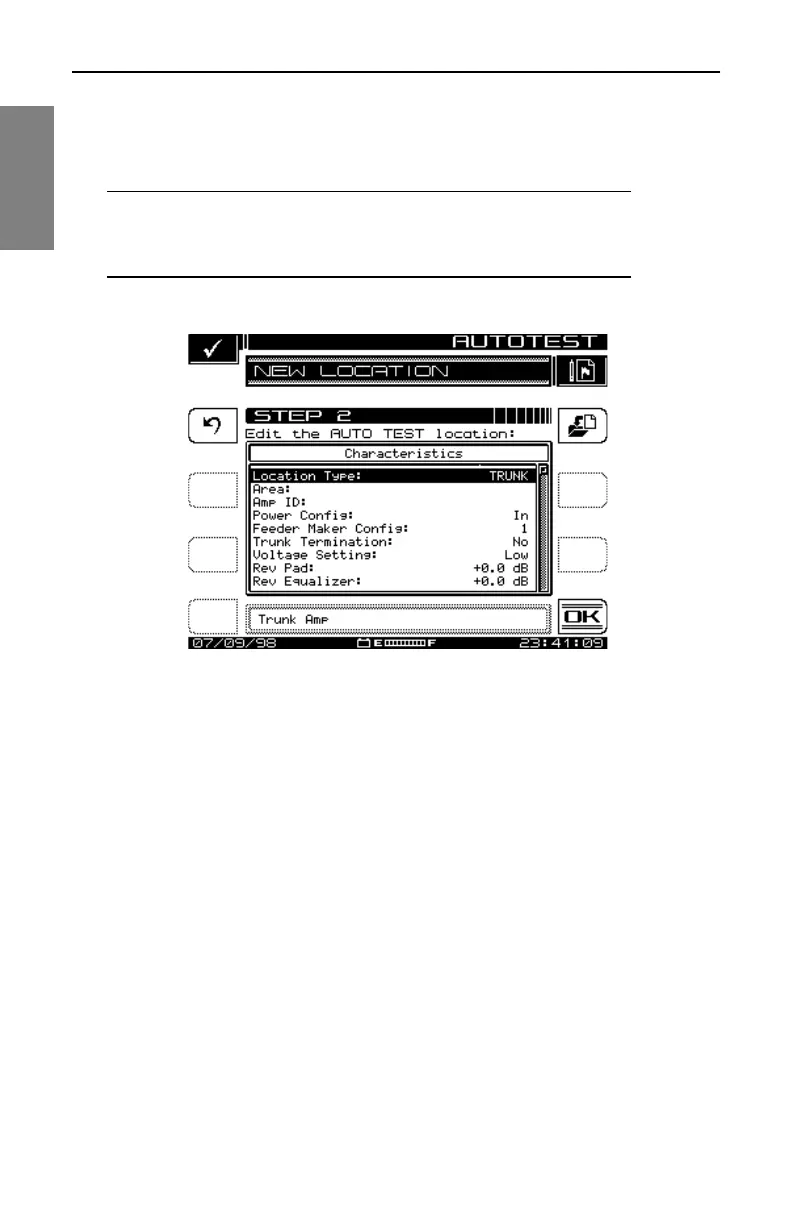
Location soft key (with the picture of a document going into a folder, near
the top right of the screen) and enter a name for the location.
When you are done editing, press OK to continue configuring the Auto Test.
NOTE: The instrument reminds you when you have not
stored the location. You need to store it only if you think you
will return for another test.
Fig. 10-5 The NEW LOCATION Screen
Select Probe Point
Some location types have multiple points at which you can make test
measurements. If you have selected such a type, the PROBE POINT screen
shown in Fig. 10-6 will appear. Use the up and down diamond keys to
choose the appropriate probe point from the list, then press the OK soft key.



 To Next Page