Automatic Test: Performing an Auto Test
187
10
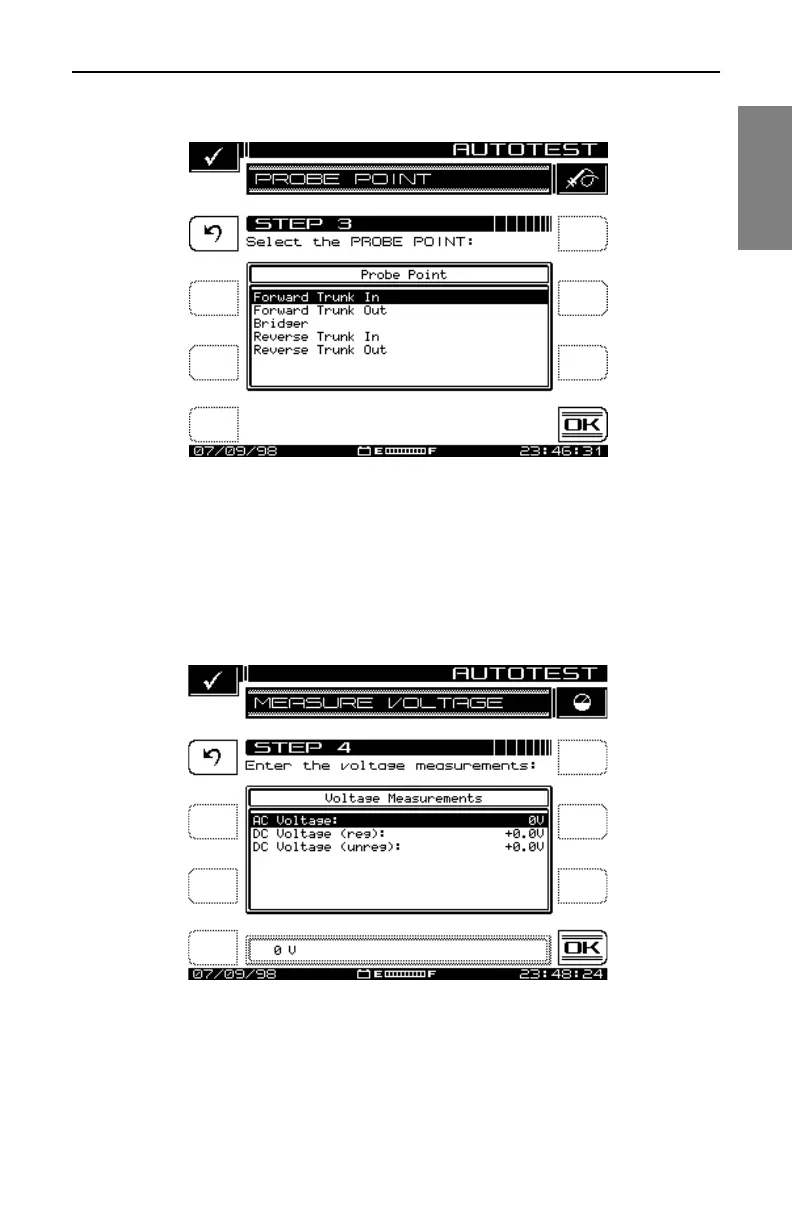
Fig. 10-6 Select Probe Points from this Screen
You can log voltage measurements in the field using the MEASURE
VOLTAGE screen shown in Fig. 10-7. These will appear when you’re viewing
or printing the results of the Auto Test. When you have finished entering the
measurements, press the OK soft key.
Fig. 10-7 The MEASURE VOLTAGE Screen



 To Next Page