Description and Basic Operation of the SDA-5500 and 5510: Using Auto Test
254
13
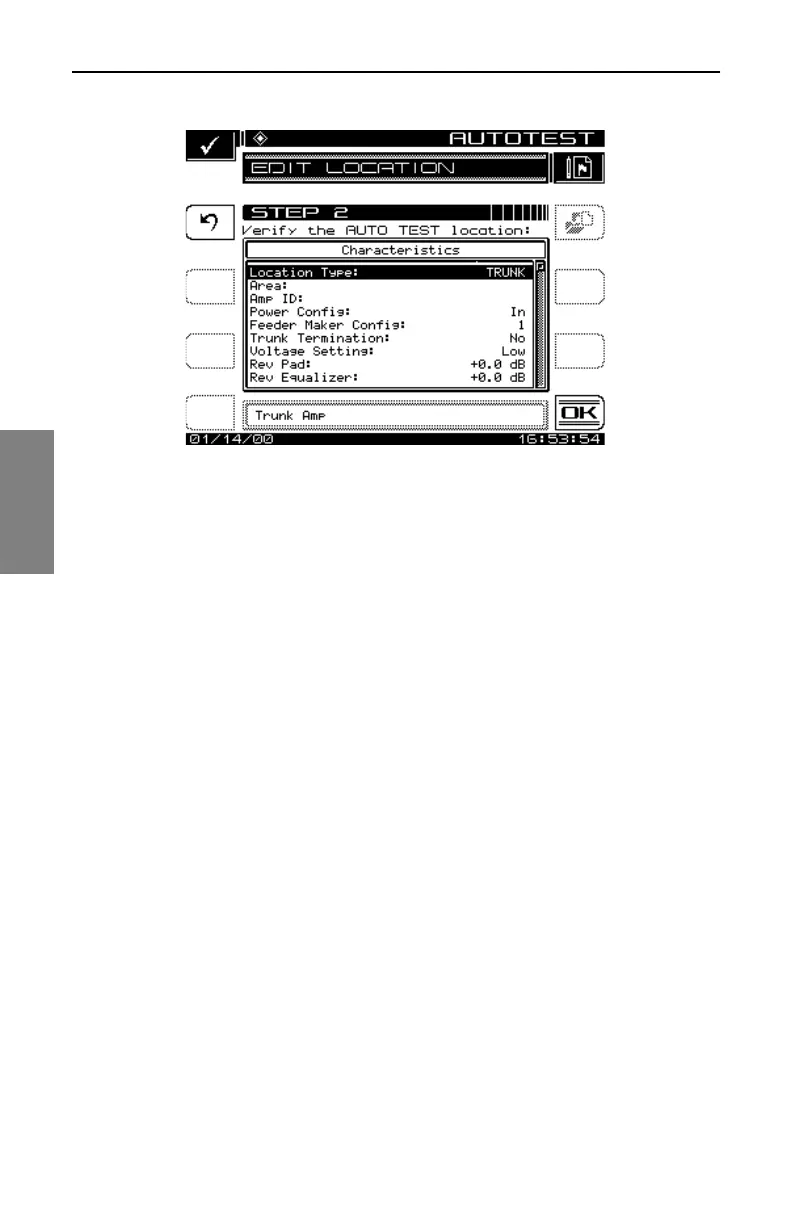
Fig. 13-28 Configuring Auto Test Location Parameters
Press the Enter key after each parameter is entered to update the display. If
changes are made and you want them updated in the location file, press the
Save soft key. If changes are made and the Save soft key is not pressed, the
changes will only affect the Auto Test that is about to be performed. Press
the OK soft key when completed.
Test Point Type
Use the up and down arrow keys to select the Test Point type (Fig.13-29).



 To Next Page