Description and Basic Operation of the SDA-5500 and 5510: Basic Modes of Operation
239
13
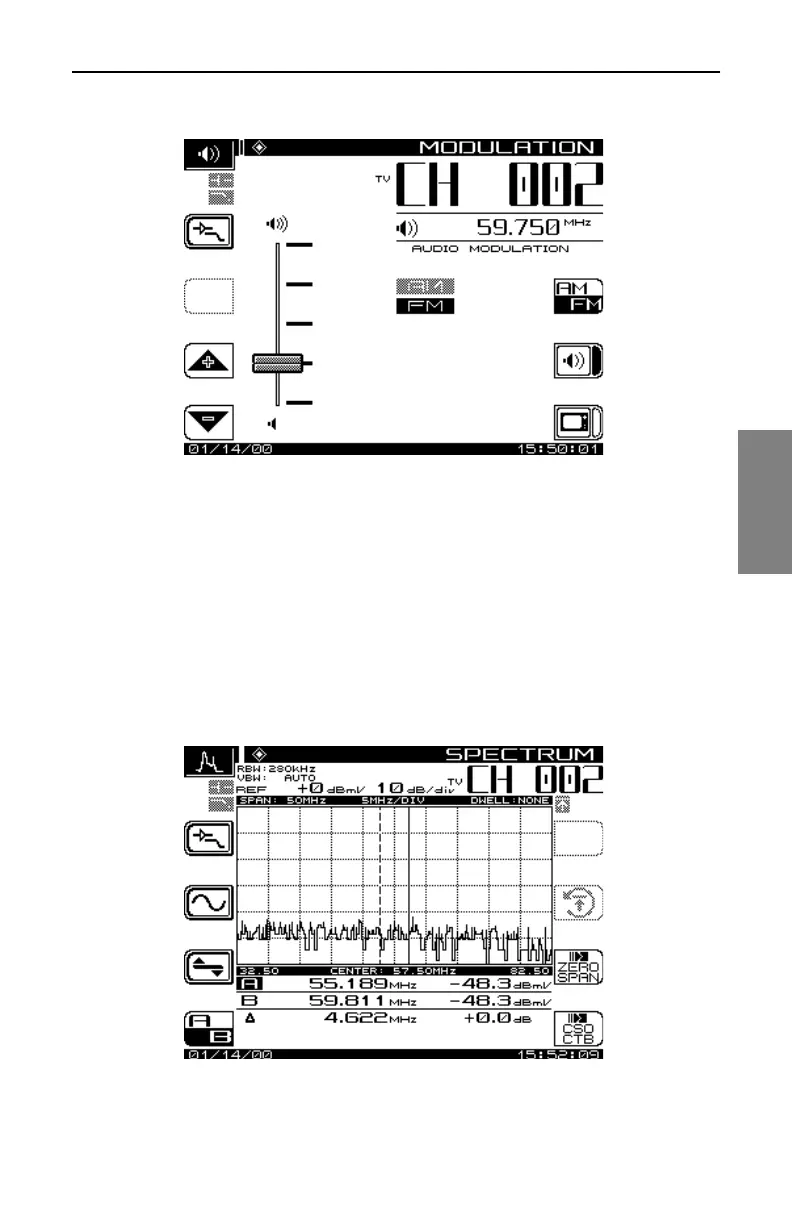
Fig. 13-14 The Audio MODULATION Screen
Use the up and down diamond soft keys to adjust the volume.
Spectrum Analyzer Mode
The spectrum analyzer display provides a view of the system spectrum with
variable spans from 50 MHz to 3 MHz and a dynamic range of better than 60
dB. When the Spect key is pressed, the screen shown in Fig. 13-15 is
displayed.
Fig. 13-15 The SPECTRUM Screen



 To Next Page