Description and Basic Operation of the SDA-5500 and 5510: Using Auto Test
258
13
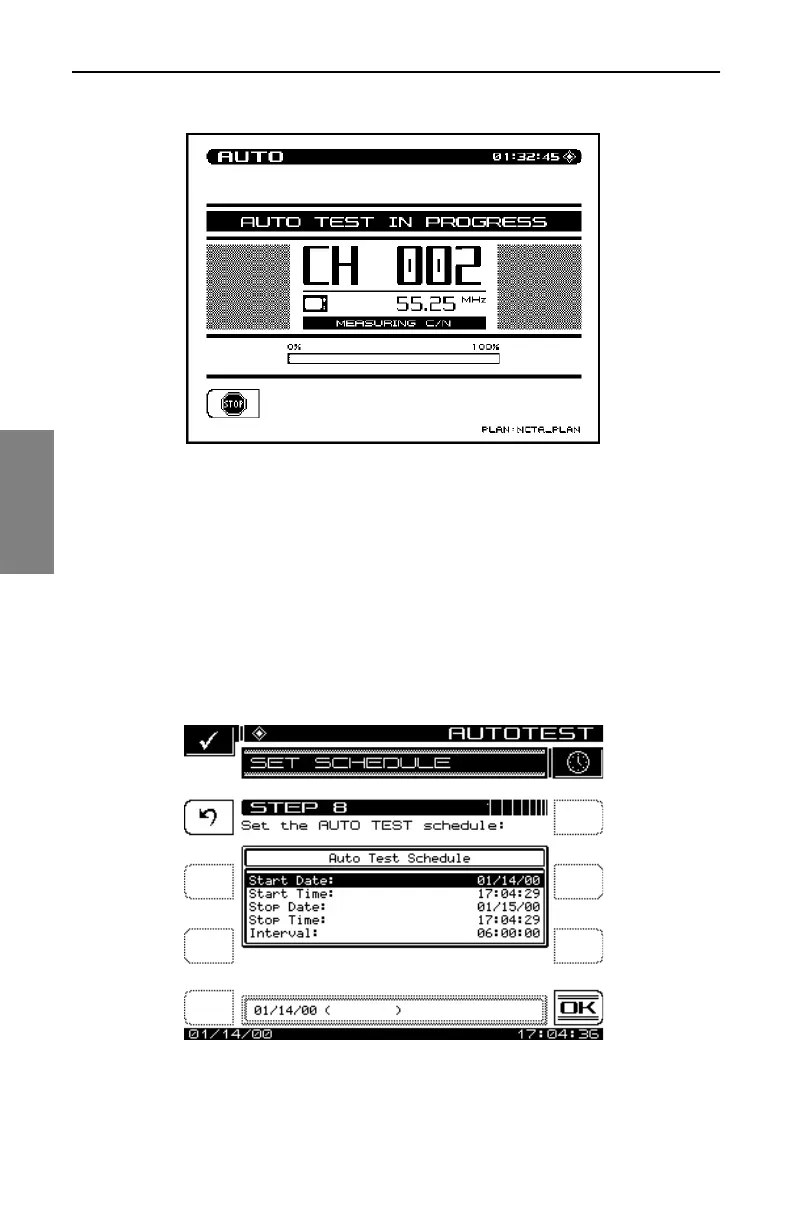
Fig. 13-33 The AUTO TEST IN PROGRESS Screen
While the Auto Test is in progress, the measurement currently being
performed (i.e. Level, C/N, Hum, or Modulation) is indicated on the screen
Fig. 13-33). A bar graph showing the percentage of completion is displayed.
Scheduled
If the Scheduled mode is selected, the start, stop, and interval information
must be entered prior to commencing the Auto Test (Fig 13-34).
Fig. 13-34 Running a Scheduled Auto Test



 To Next Page