PathTrak Field View (OPT3): PathTrak Mode Operation
142
8
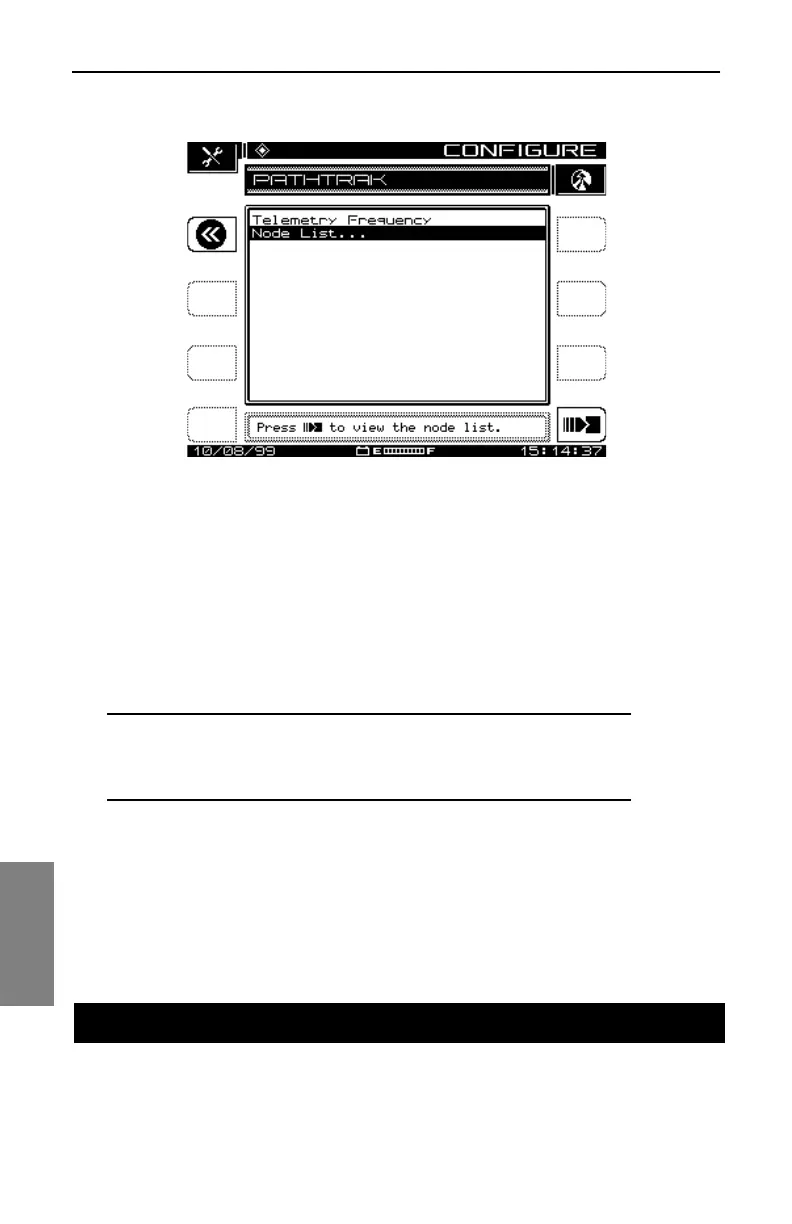
Fig. 8-1 The PATHTRAK Configuration Screen
To get to the PATHTRAK configuration screen, select the PATHTRAK option
from the main CONFIGURE menu.
• Telemetry Frequency: Select this option from the PATHTRAK
configuration screen. A telemetry carrier is used to transmit data from the
PathTrak Headend Stealth Modem to the field unit. Set the telemetry
frequency between 5 MHz and 1000 MHz by using the numeric keypad
and then press the Enter key.
NOTE: The telemetry frequency must be set to match the
frequency at which the PathTrak Headend Stealth Modem
is broadcasting data.
• Node List: There are no initial configuration procedures for the Node
List option. For information on how to use the node list, see "Node List
Mode" later in this chapter (page 145).
The PathTrak mode has two measurement traces, Local and Remote, that
are displayed together on a spectrum analyzer graph. The Local trace
PATHTRAK MODE OPERATION



 To Next Page