Description and Basic Operation of the SDA-5500 and 5510: Using Auto Test
255
13
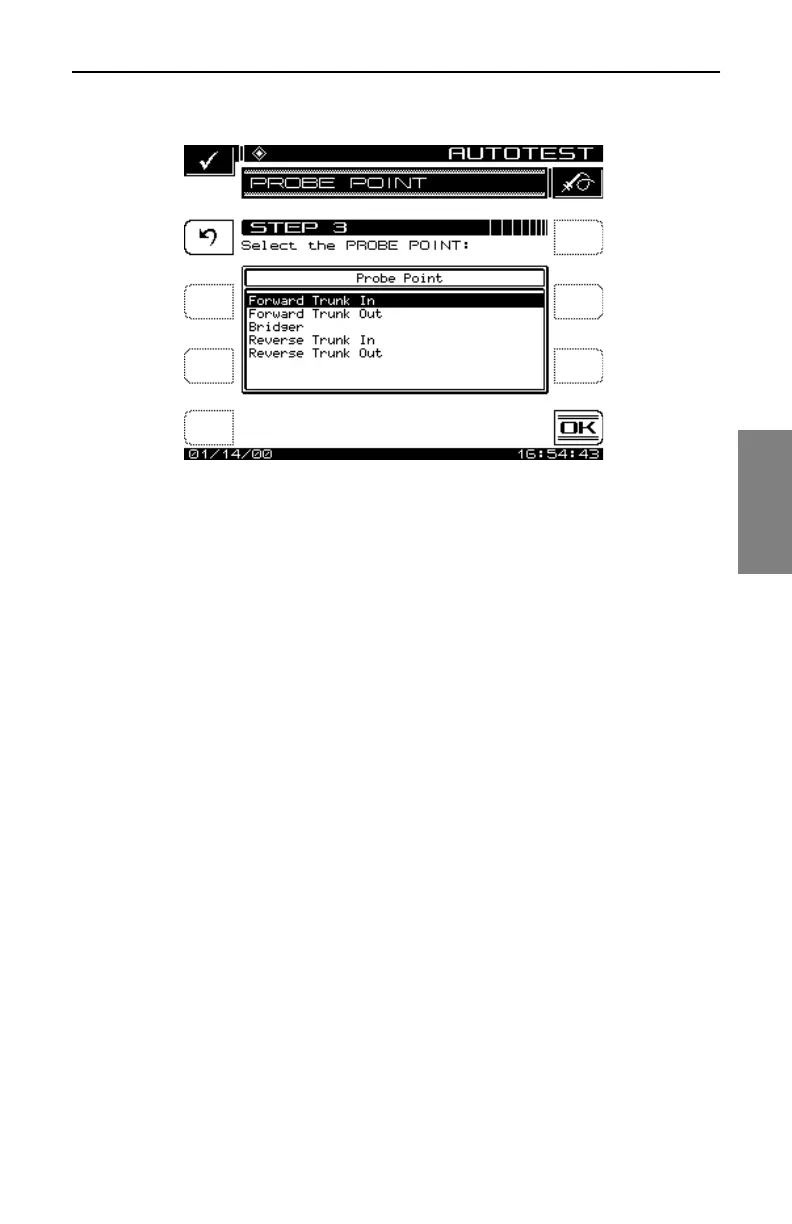
Fig. 13-29 Selecting the Test Point Type
When the desired Test Point type is selected, press the OK soft key. The
following is a list of Test Point types available:
Trunk Amp: Forward Trunk In
Forward Trunk Out
Bridger
Reverse Trunk In
Reverse Trunk Out
Line Extended: Line Extended In
Line Extended Out
Voltage Measurements
Use the numeric entry keys to enter the following system voltage
measurements (Fig. 13-30):
• AC Voltage
• DC Voltage (regulated)
• DC Voltage (unregulated)



 To Next Page