Automatic Test: Test Locations
182
10
Creating and Editing Test Locations
Use the up and down diamond keys to select Test Locations from the main
AUTOTEST menu, then press any soft key and the TEST LOCATIONS
screen appears (see Fig. 10-2).
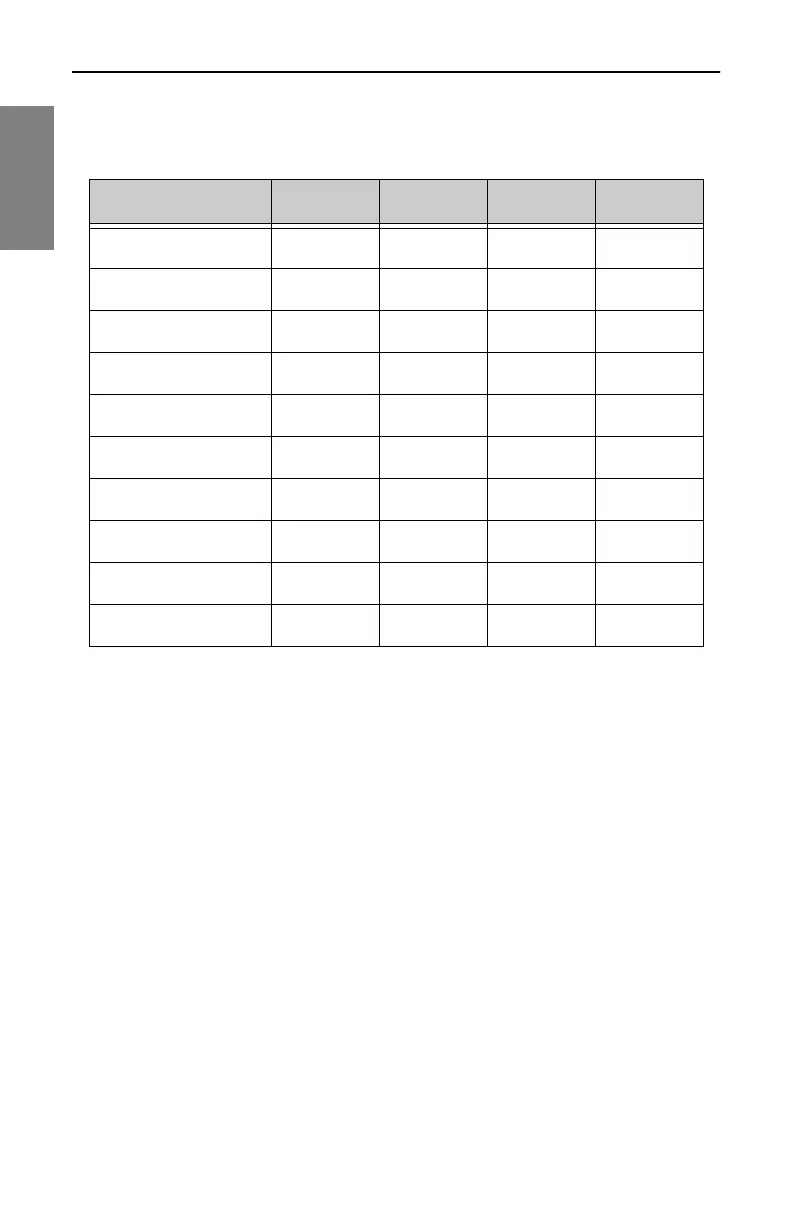
Table 10-2 Parameters and Test Location Types
Parameter Trunk Head Extender Fiber Field
Area
✔✔✔✔
Amp ID
✔✔✔
Power Configuration
✔✔✔
Feeder Maker Config
✔✔✔
Trunk Termination
✔✔✔
Voltage Setting
✔✔✔
Reverse Pad
✔✔✔
Reverse Equalizer
✔✔✔
Forward Pad
✔✔
Forward Equalizer
✔✔



 To Next Page