Description and Basic Operation of the SDA-5500 and 5510: Using Auto Test
249
13
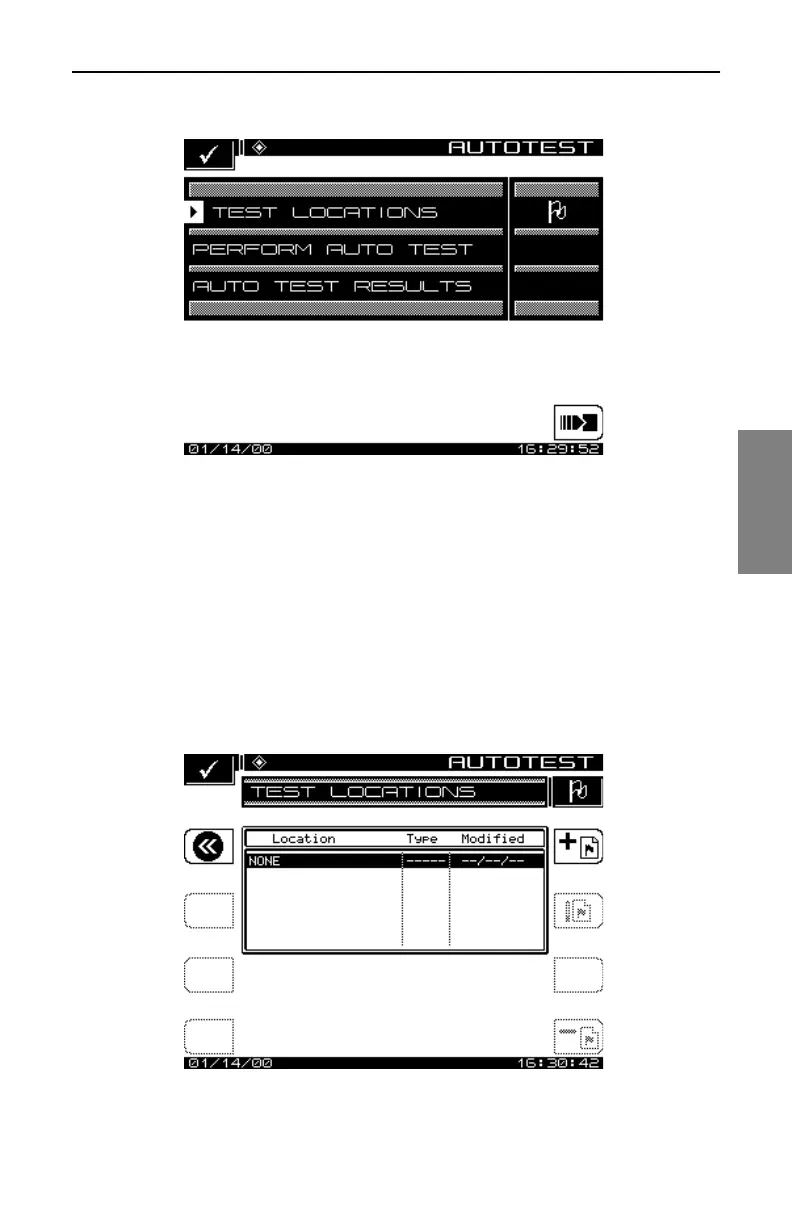
Fig. 13-23 The Main AUTO Menu
How To Create, Edit, and Delete Test Locations
Test locations allow you to create specific test point location parameters for
the Auto Test report (see Fig. 13-24). Test locations can be created directly
on the SDA unit, or by using the StealthWare Data Analysis software and
then downloaded to the SDA unit. The test location is used to identify where
the data is collected. You then simply select the corresponding location, and
the location data is automatically included in the Auto Test report.
Fig. 13-24 The TEST LOCATIONS Menu



 To Next Page