Digital Analysis (QAM View OPT4): QAM Ingress Mode
165
9
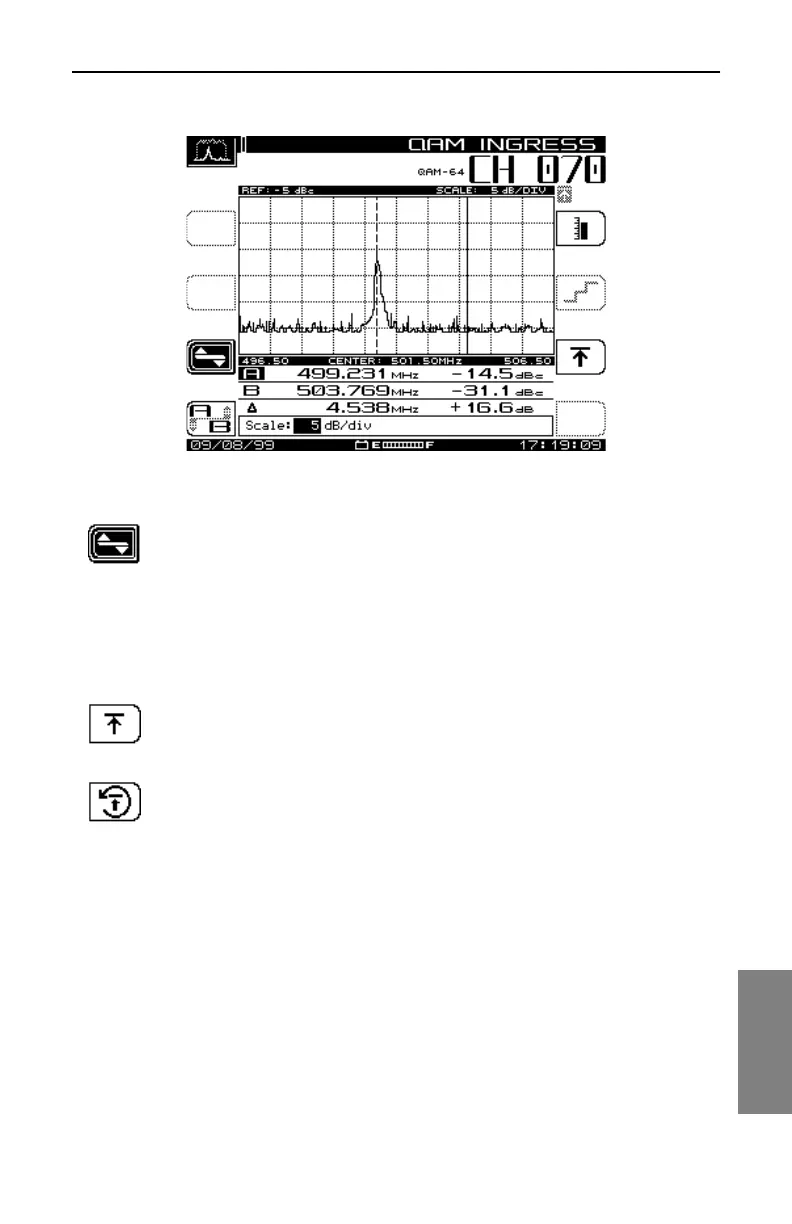
Fig. 9-10 Editing the QAM Ingress Scale Parameter
Press this key to return to the QAM INGRESS Main Screen.
Selecting the Maximum Hold Function
When this option is selected, the graph compiles successive signal plots to
show variances in the signal over time. Press the reset key (shown below) to
clear the graph of collected data and restart the Maximum Hold function.
Press this key to select the Maximum Hold edit screen (see Fig.
9-11), and then use the up or down diamond keys to select or
deselect the function.
Press this key to reset the Maximum Hold trace on the graph.



 To Next Page