Description and Basic Operation: Configuring the SDA-5000
32
2
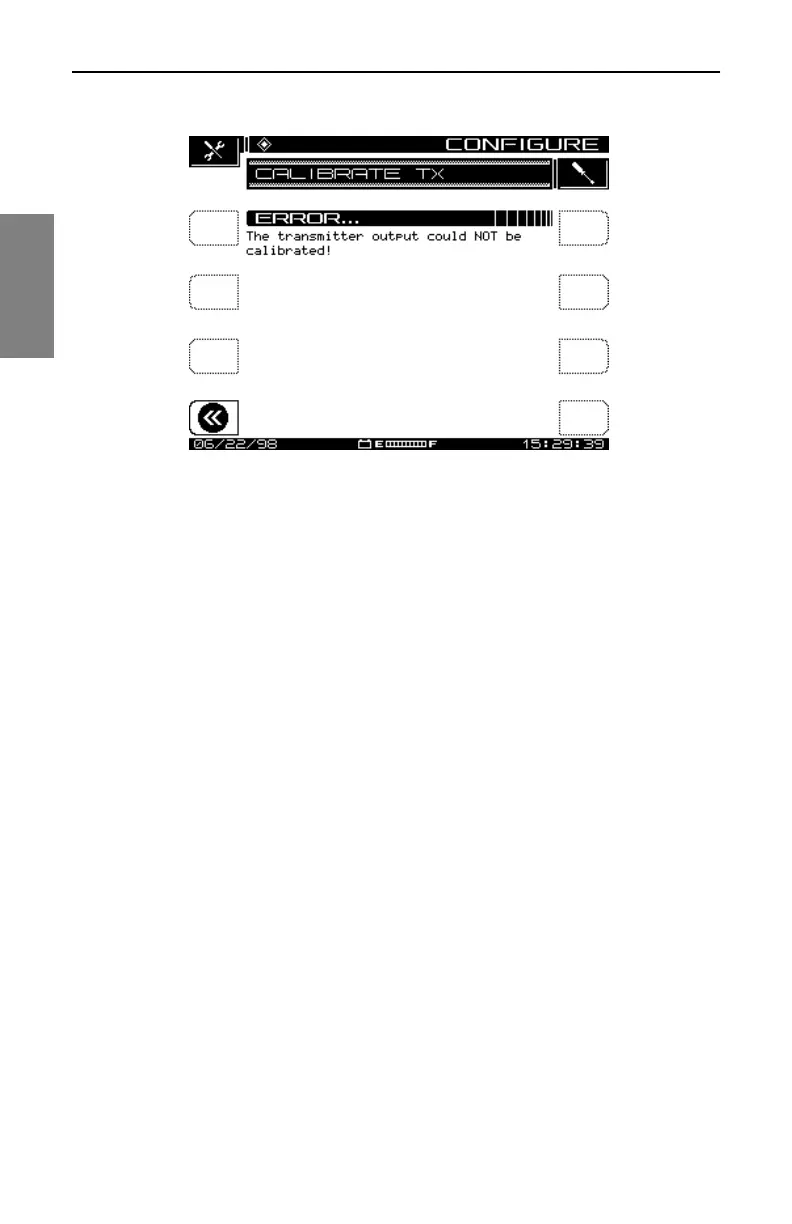
Fig. 2-13 Calibrate Error (Missing Jumper Cable)
If your connections are correct and you still get the error screen, contact an
authorized Acterna Service Center.
See Also
½ Chapter 12, Maintenance, has a list of Acterna service
centers worldwide.
System Information
You can view the system information for your unit by selecting the Info icon
from the Navigator’s Files and Configure tab. Doing so takes you to the
INFO screen where you’ll find the following information:
• model number
• serial number
• firmware version number
• most recent calibration date
• currently selected channel plan Type (NCTA, PAL, SECAM)
• current temperature
• percentage of memory used
• the options the unit has



 To Next Page