Files: Viewing and Printing Files
200
11
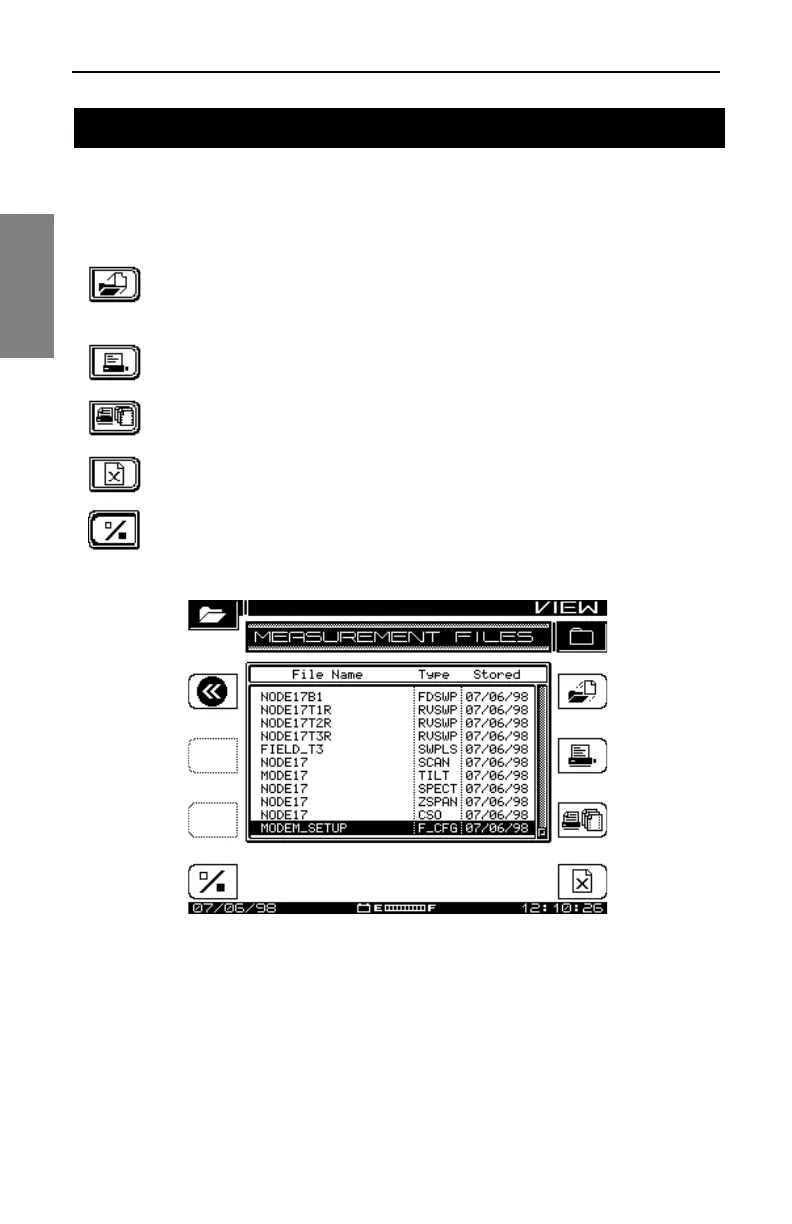
To view stored measurement files, press the Function and 2 def keys. The
MEASUREMENT FILES screen displays a list of all currently stored
measurement files (see Fig. 11-2). Use the up and down diamond keys to
select a file.
Use the Load soft key to view the file. When you’re finished,
press the Function and 2 def keys to return to the
MEASUREMENT FILES screen.
Use this soft key to print the highlighted/marked file. The screen
displays a graph of printing progress.
This soft key prints all marked files. You can print all
measurement files except Scan Files.
Use this soft key to delete marked files. Press the Cancel soft
key to stop.
Use this to mark files for printing or deletion.
Fig. 11-2 The MEASUREMENT FILES Screen
The following are the file types that can be viewed:
• FDSWP Forward Sweep
• RVSWP Reverse Sweep
• SCAN Scan mode
VIEWING AND PRINTING FILES



 To Next Page