Files: Storing Files
199
11
To store any one of these types of files, switch to File mode directly from the
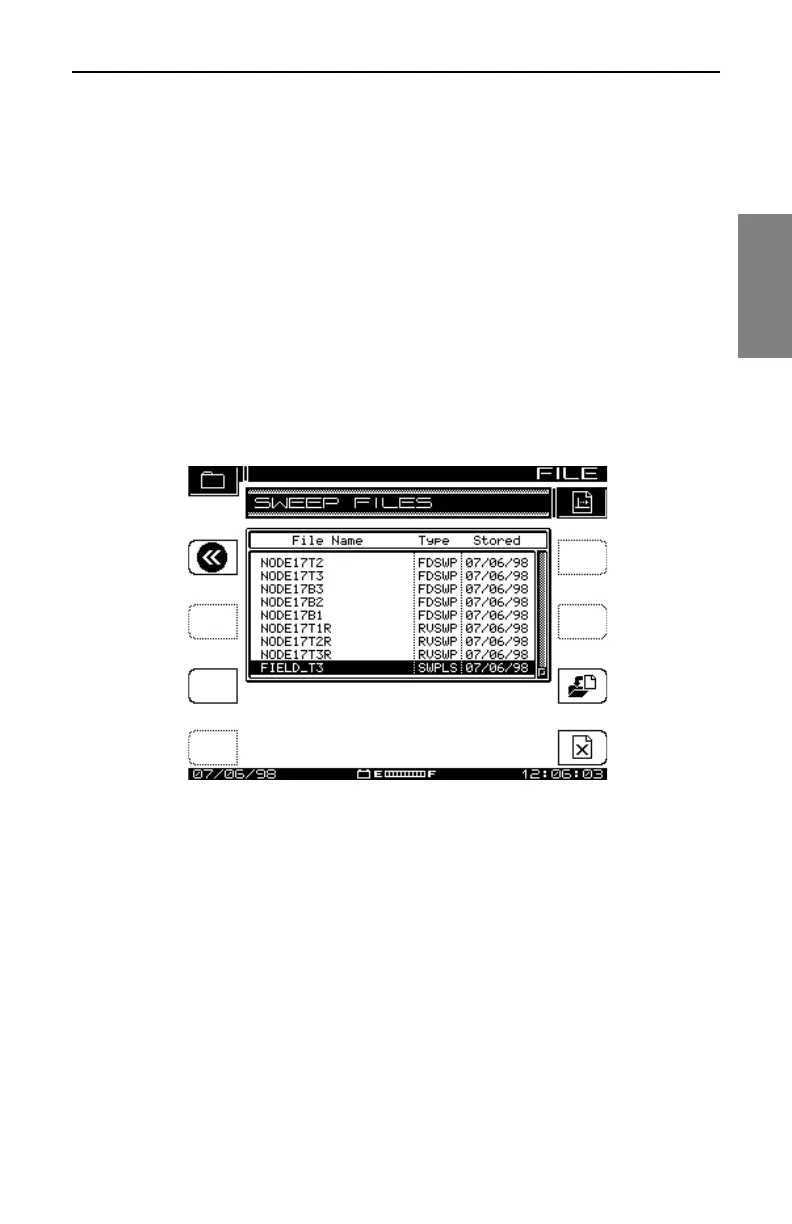
SCAN, SPECTRUM, TILT, SWEEP, or PATHTRAK measurement menu. Fig.
11-1 shows the FILE screen displayed from any of these modes.
1. Press the Function and 2 def keys while taking the measurement.
The screen displays the FILE menu for that test type (see Fig. 11-1).
The instrument displays a list of all files that are of the same type as
the current measurement.
2. Press the Store File soft key. The screen prompts you for a file name
and warns if the name already is in use.
3. Press the Enter key. Use the keypad to enter a name, then press
Enter again. The MEASUREMENT FILES screen is displayed (see
Fig. 11-2).
Fig. 11-1 The FILE Screen (for Sweep)
• All stored files except Sweep Reference and Modem C/N files can be
uploaded to Acterna’s StealthWare PC software.
• Each Sweep Reference file is unique in terms of the meter used,
location, and system conditions at the time of the Sweep.
• Test point compensation values are saved with Sweep files.
• The uploaded files are extremely useful for documenting and proofing a
system, as well as for system alignment and maintenance.



 To Next Page