Channel Plans: Setting Channel Plan Parameters
39
3
1. Scroll through the list to the plan you want to view, then
press the Load soft key.
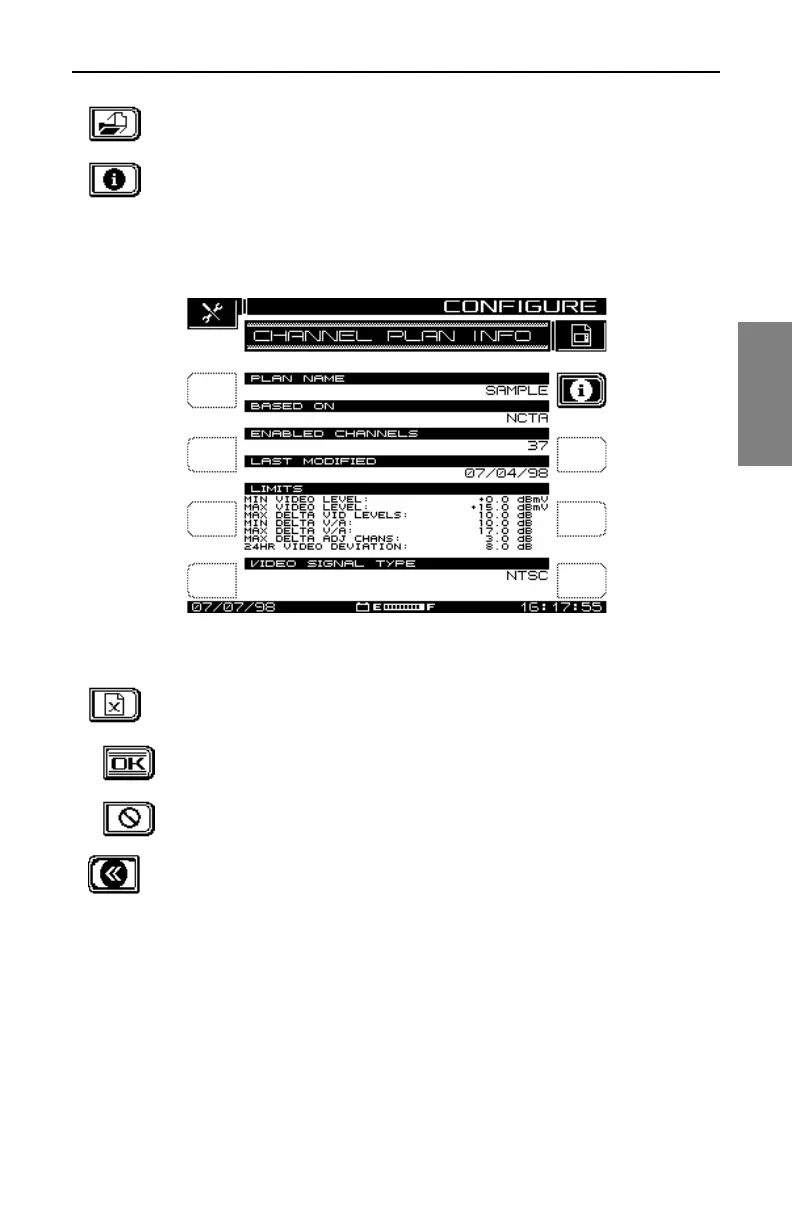
2. Press the Info soft key at the upper right of the display to
view the CHANNEL PLAN INFO screen (see Fig. 3-4). This
is a view-only screen, which displays main features of the
plan specified in the top line.
Fig. 3-4 Channel Plan Info
3. Press the Delete soft key to delete a plan.
To confirm that you do want to delete the selected plan,
press the OK soft key.
If you change your mind before you hit OK, you can press
the STOP key to prevent the deletion.
4. Press the Return soft key to return to the screen shown in
Fig. 3-2, the CHANNEL PLAN menu.
Video Signal Type
From the CHANNEL PLAN menu (Fig. 3.2), select Video Signal Type and
press the Enter key. The up and down diamond keys toggle between NTSC,
PAL, and SECAM in the Edit Box.
Select the signal type compatible with your system, and press the Enter key
again. The screen returns to the CHANNEL PLAN menu.



 To Next Page