Description and Basic Operation of the SDA-5500 and 5510: Basic Modes of Operation
241
13
How To Make CSO/CTB Measurements
CSO (Composite Second Order) is a clustering of second order beats at any
frequency in the spectrum, which causes interference to picture quality when
they fall within the video bandwidth. CTB (Composite Triple Beat) is a
clustering of third order distortion products usually around the video carrier
frequency.
By making these measurements, you can troubleshoot and correct the
cause of this unwanted distortion.
NOTE: A < 12 MHz band pass filter is recommended to
limit the amount of intermodulation distortion caused by
overload of the RF input on the receiver. If you use a
preamplifier, it should be placed between the bandpass
filter and the receiver.
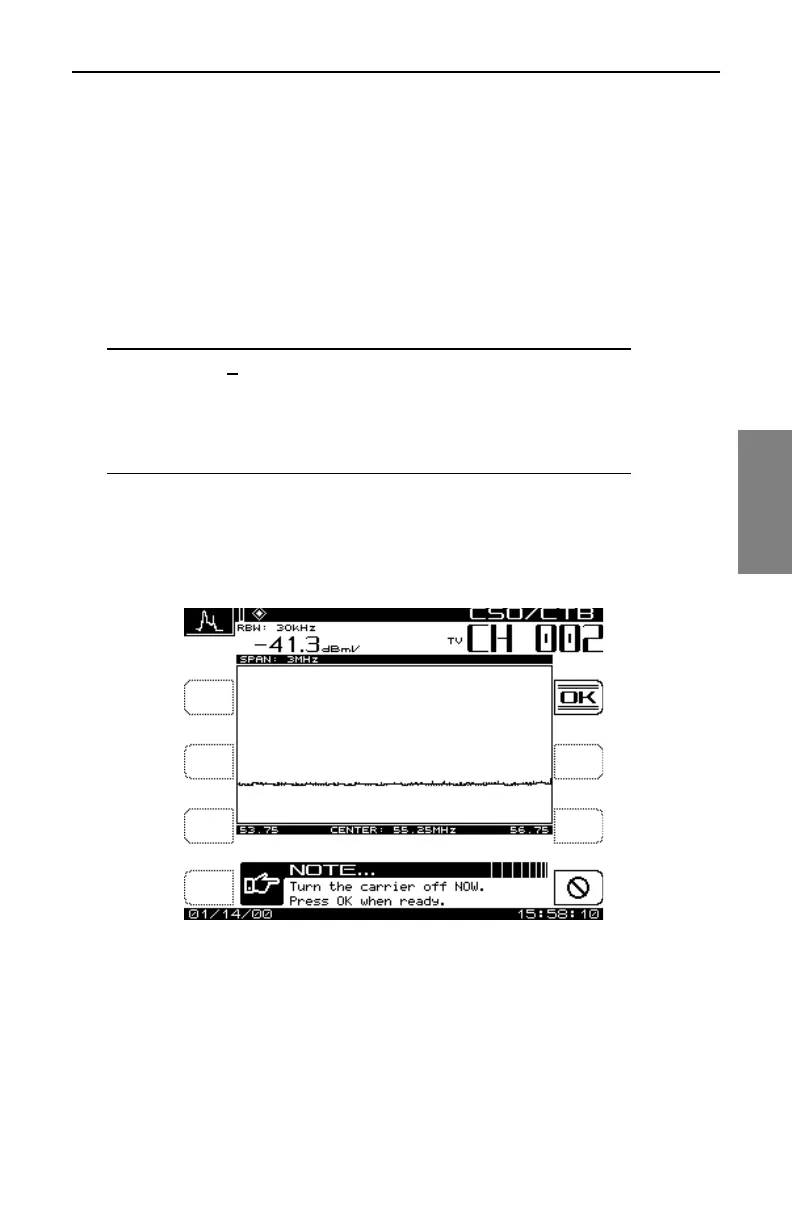
Press the CSO/CTB soft key to initiate CSO/CTB measurements. The unit
will first switch to a 30 kHz resolution bandwidth, measure the carrier, and
then prompt you to turn the carrier off (Fig.13-16).
Fig. 13-16 The Carrier Measurement Screen
Press the OK soft key after the carrier has been turned off. The CSO/CTB
measurement will be displayed (Fig.13-17).



 To Next Page