Description and Basic Operation: Configuring the SDA-5000
23
2
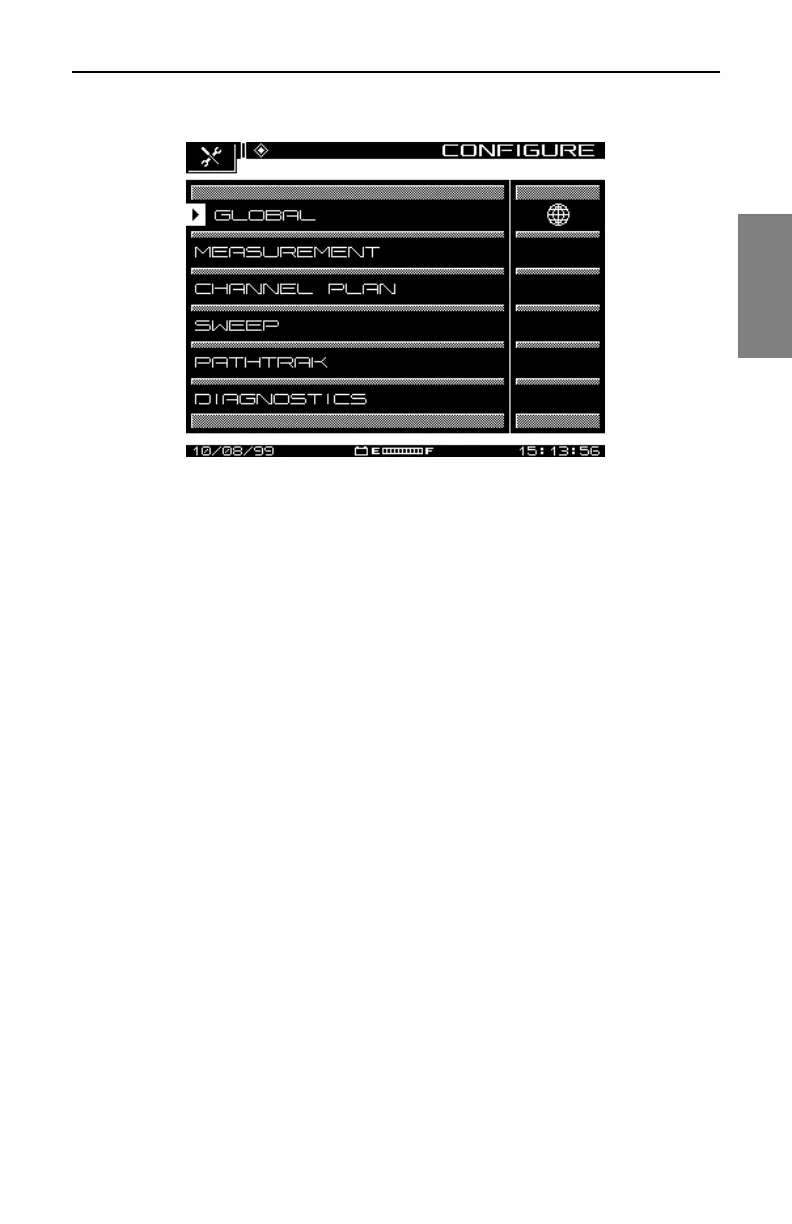
Fig. 2-6 The CONFIGURE Menu
Global Configuration
Selecting the GLOBAL option calls up the menu shown in Fig. 2-7. This
menu contains twelve items, described in the list that follows.
• Operator Name: Enter your name, which will appear in the header
section of the Auto Test report (see “Auto Test Results” in Chapter 10,
Automatic Test).
• Contrast Level: Adjust the contrast level of the LCD to the desired
level. The level varies on a scale from 1 to 15.
• Shut-off Time-out Period: To conserve battery life, you can adjust the
automatic shut-off feature to turn off the meter after a pre-set interval of
inactivity of 1, 3, or 5 minutes, or choose Always On.



 To Next Page