Automatic Test: Performing an Auto Test
189
10
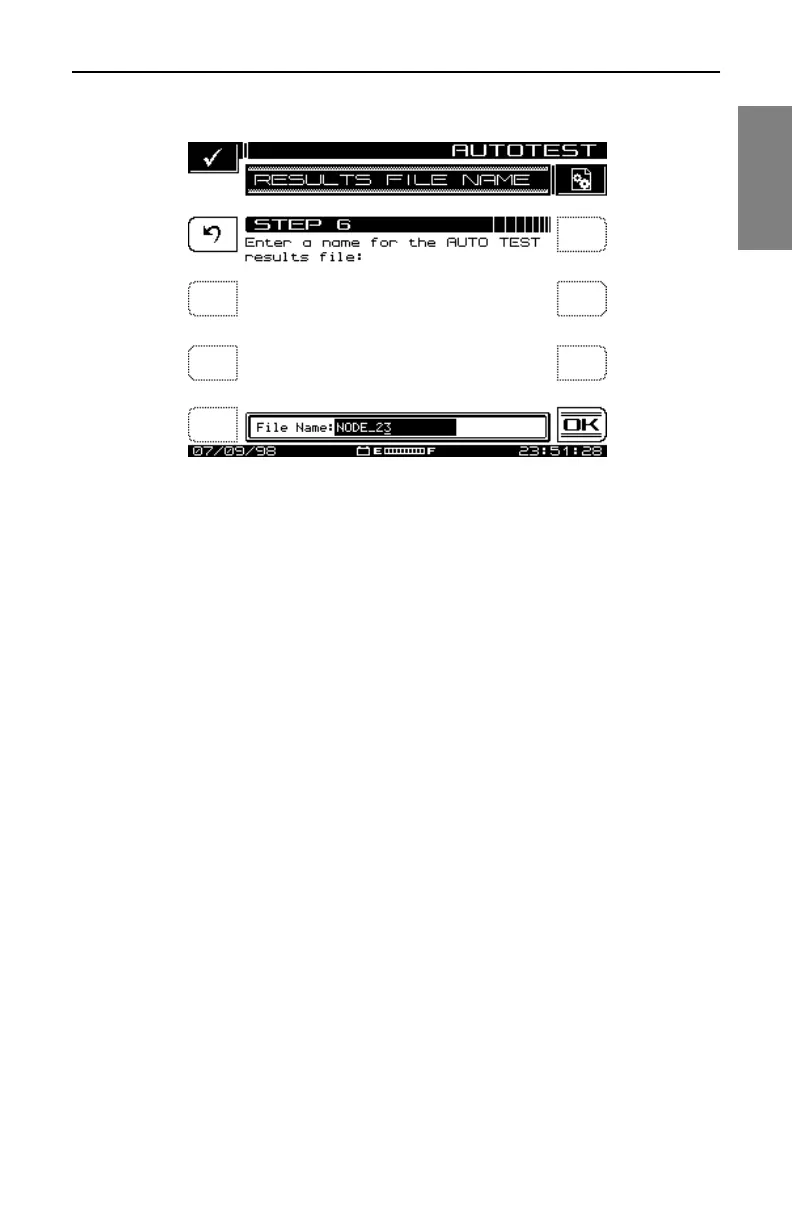
Fig. 10-9 The RESULTS FILE NAME Screen
Type of Test
Tests can be executed immediately or scheduled over a time period. You can
select either by the Immediate or the Scheduled soft key.
Set Schedule
The screen shown in Fig. 10-10 will appear only if you have selected a
scheduled test. The default schedule will perform tests at four intervals over
a twenty-four hour period beginning with the present time and date. If you
require a different schedule, use the up and down diamond keys to edit the
schedule and then press the OK soft key.



 To Next Page