PathTrak Field View (OPT3): PathTrak Mode Operation
146
8
provide the PathTrak system administrator with the
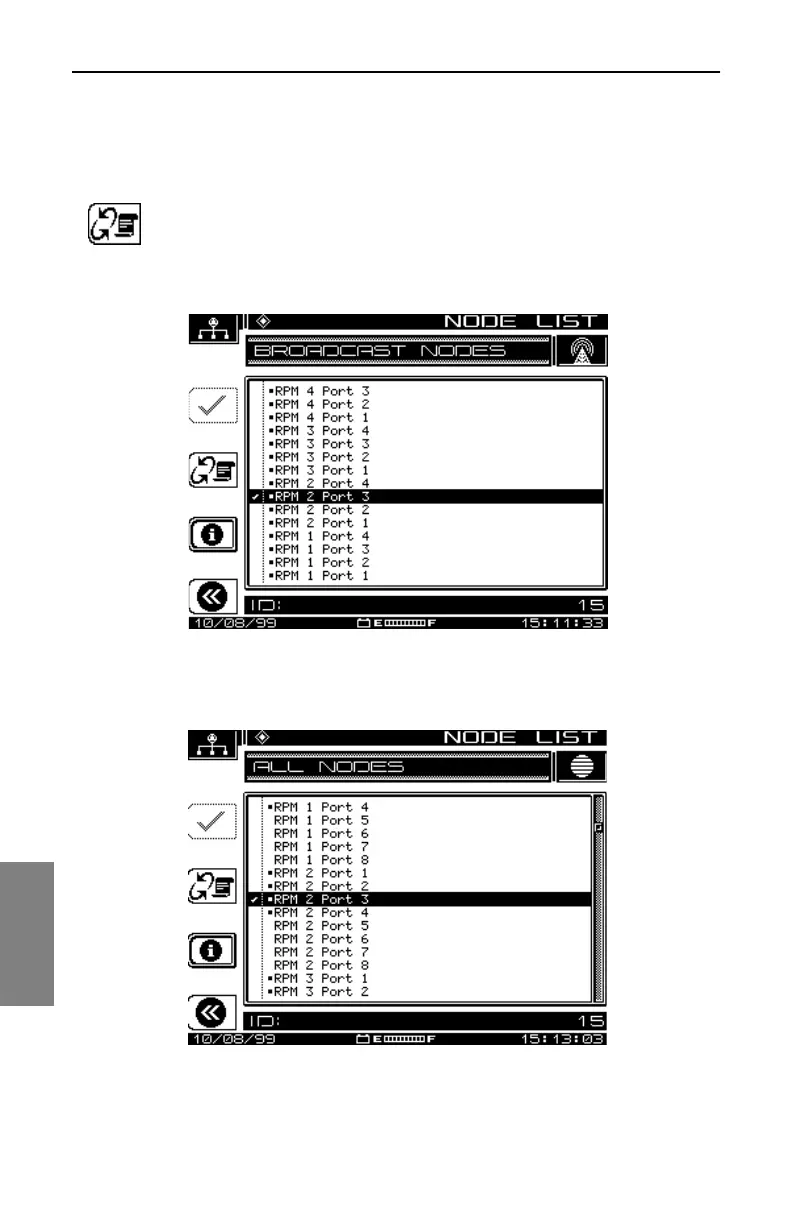
identification (ID) number of the requested node. The ID
number is located on the bottom-left of the screen (see Fig. 8-
4).
Select the Node Toggle soft key to toggle between the
Broadcast Nodes view (See Fig. 8-4) and the All Nodes view
(See Fig. 8-5).
Fig. 8-4 Broadcast Node View
Fig. 8-5 All Nodes View



 To Next Page