SDA-5500/SDA-5510 Sweep Configuration: Configuring Reverse Sweep
292
14
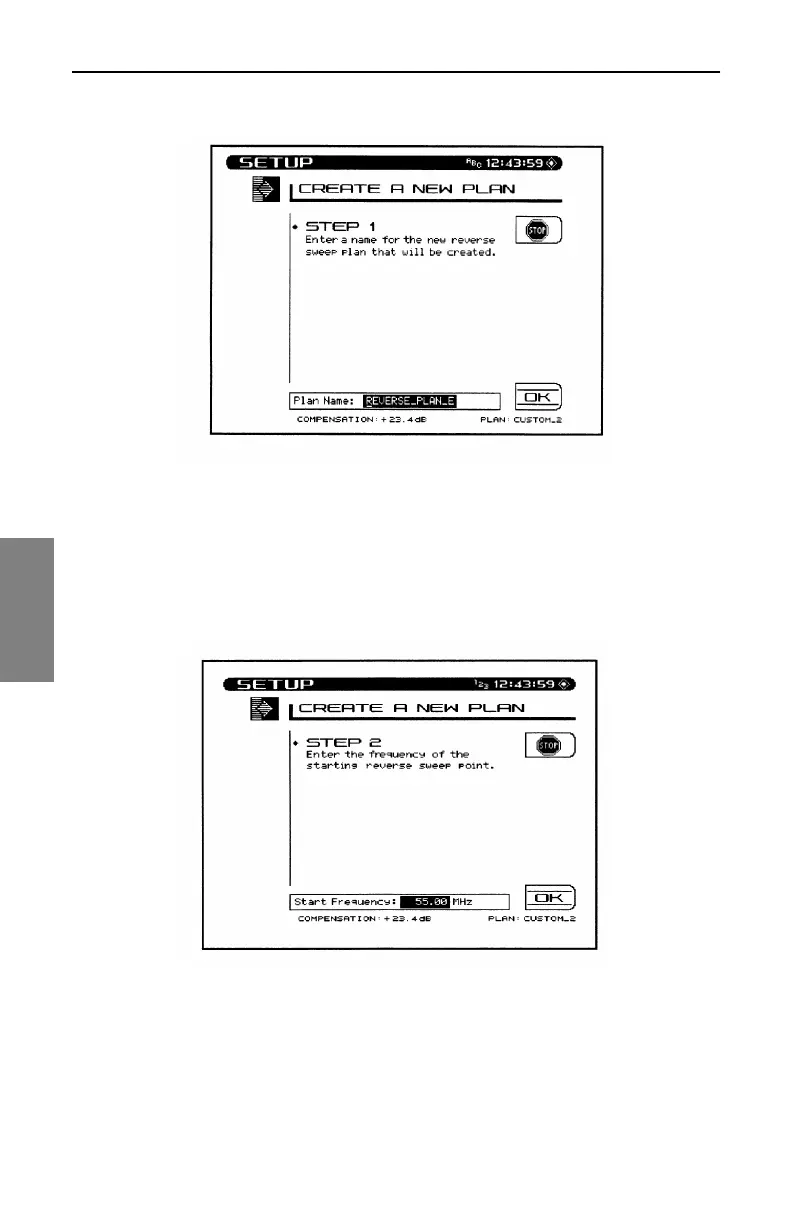
Fig. 14-14 Creating a New Reverse Sweep Plan, Step 1
2. Enter the start frequency (see Figure 14-15). This will be the
frequency of the first sweep point in the plan. Use the numeric keys
followed by the ENTER key. Then press the OK soft key to continue.
Fig. 14-15 Creating a New Reverse Sweep Plan, Step 2
3. Enter the interval (see Figure 14-16). This interval determines the
spacing between sweep points. Use the numeric keys followed by the
ENTER key. Then press the OK soft key to continue.



 To Next Page