Description and Basic Operation: Configuring the SDA-5000
30
2
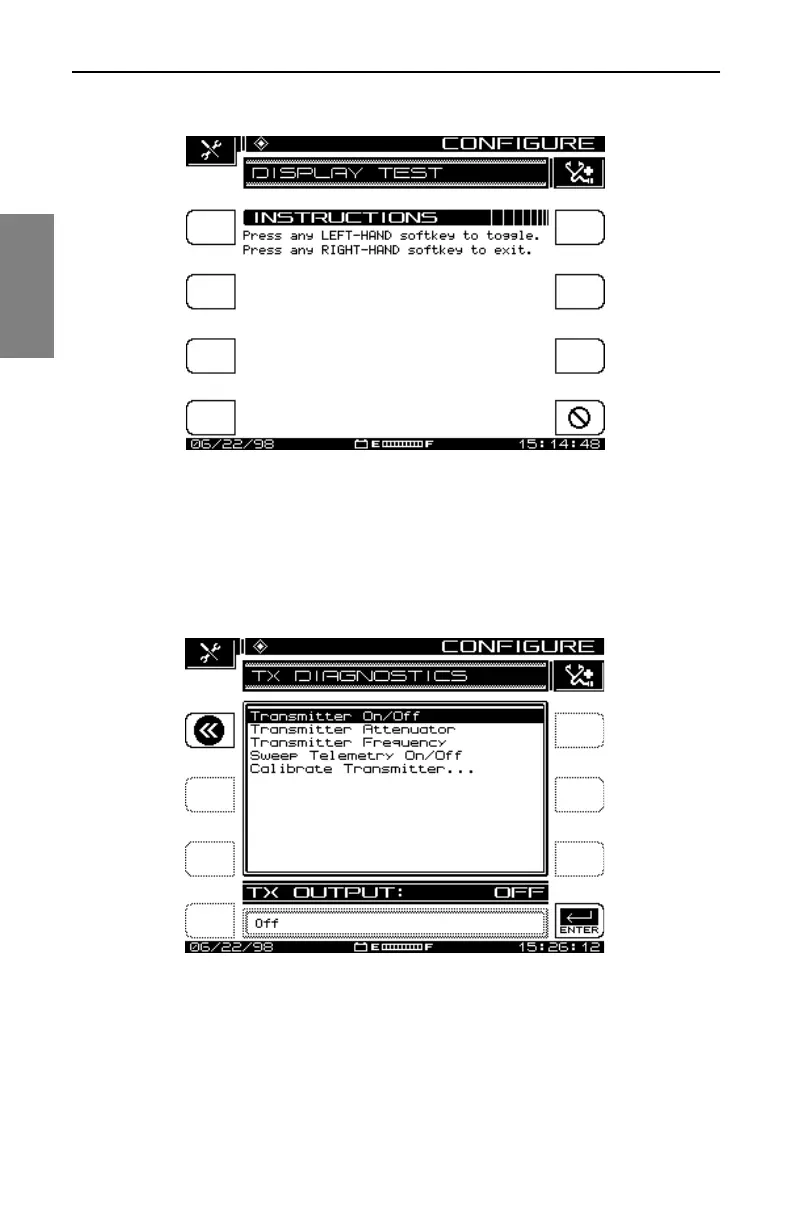
Fig. 2-10 The DISPLAY TEST Screen
• Transmitter Diagnostics: Highlight this option and press the Enter key
to access the internal transmitter diagnostic features shown in Fig.
2-11.
Fig. 2-11 The Transmitter Diagnostics Screen
• Transmitter On/Off: When turned on, this feature provides a CW RF
signal that can be used for troubleshooting or during installation. The
signal is present only when the diagnostics screen is displayed.



 To Next Page