Channel Plans: Channel Plan Configuration
37
3
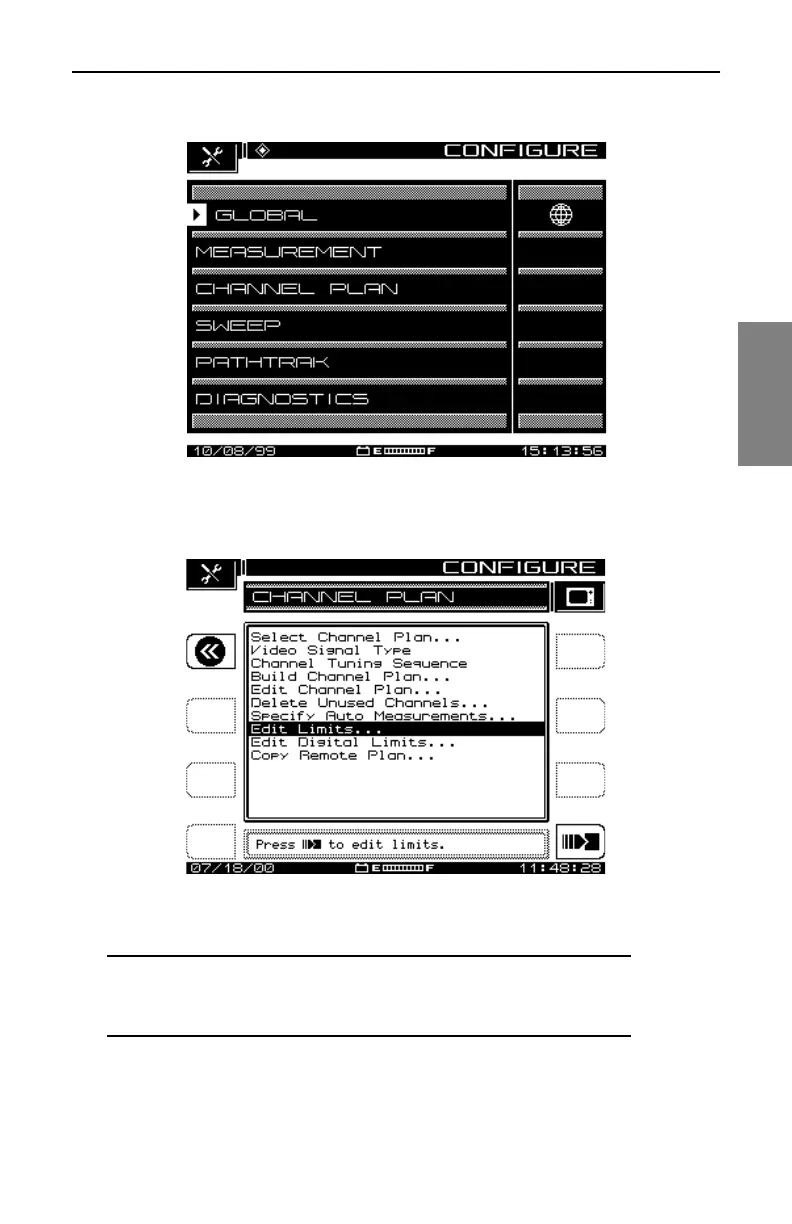
Fig. 3-1 The CONFIGURE Menu
Fig. 3-2 The CHANNEL PLAN Menu Options
NOTE: If your SDA instrument does not have the QAM
option (OPT4), you will not see the Edit Digital Limits. This
menu item applies only to QAM signals.



 To Next Page