616 Rockwell Automation Publication 193-UM015E-EN-P - October 2015
Chapter 11 Firmware Updates
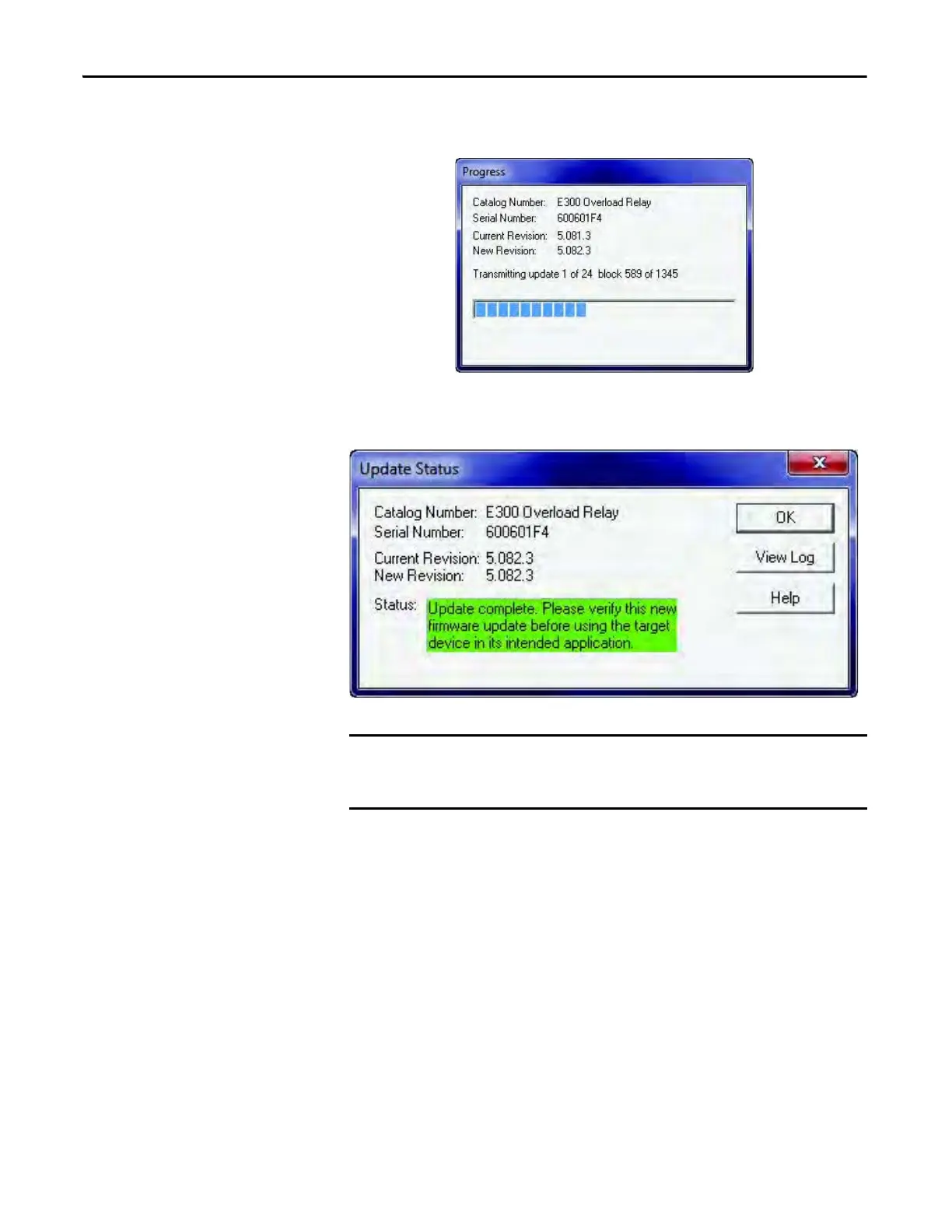
The ControlFLASH utility begins to download the new firmware files. At the
end of the download, the device automatically resets.
When the device finishes its power cycle sequence, a successful firmware update
message is displayed. Press OK to finish the firmware update process.
Do not interrupt power or communication to the device during the firmware
update process. Failure of control power or communication could permanently
damage the device.



 To Next Page
 Loading...