Running a Script in Standard Mode Low Energy Tests
MT8852B Operation Manual PN: 13000-00205 Rev. N 7-45
The table below details the test conditions and the associated default settings. Permitted
variations from the default setting are detailed in the “User Range” column.
Results
1. Position the cursor at "Carrier drift" in the Script menu.
2. Press the [Results] soft key.
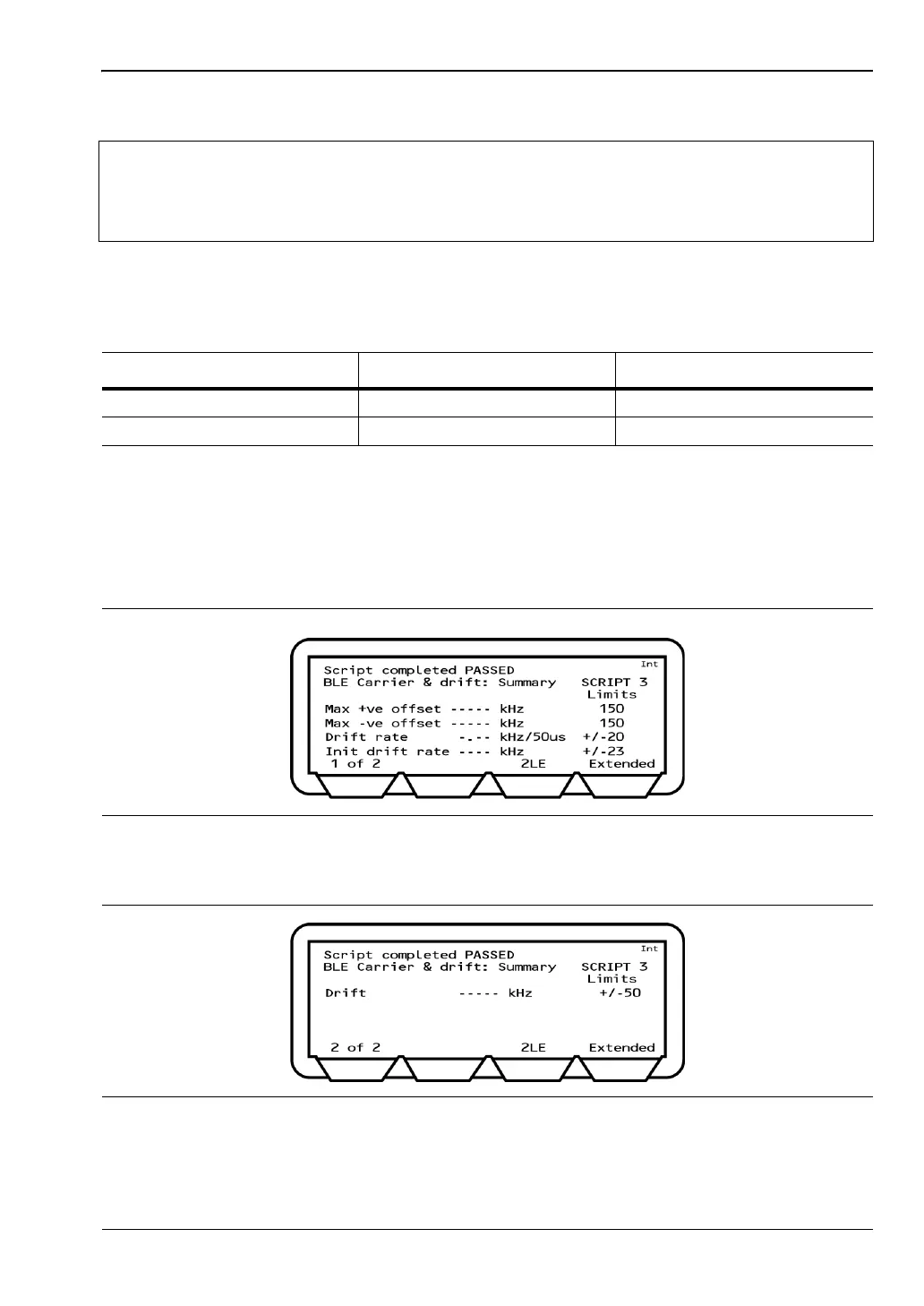
The Carrier drift results page displays.
Max +ve offset: Displays the frequency error of the single packet that had the greatest
positive error of all those measured.
Note
In 2015 the Bluetooth Test Specification was amended to relax the drift rate test
limit for the drift measured between the preamble and the first ten bit section of the
payload. MT8852B firmware version 4.20.007 and later incorporate this change
and describe this measurement as the Initial Drift Rate.
Table 7-19. Carrier Drift Test Conditions
Parameter Default value User Range
Number of packets 10 1 to 10,000
Packet type BLE BLE, 2LE, BLR8
Figure 7-62. Low Energy Carrier Drift Results - Screen 1
Figure 7-63. Low Energy Carrier Drift Results - Screen 2














 To Next Page