6. Shapes and Pixel Mapper effects - Page 111
TitanUniversal_Man_v10_QU.doc 15 March 2016
6. Shapes and Pixel Mapper effects
The Shape Generator in the Quartz (sometimes known as an Effects
Generator on other consoles) allows you to quickly create exciting
light shows using lots of movement and changes, with the minimum
of programming.
You can use the conventional Shape Generator with preset patterns,
or the Key frame Shape Generator which allows you to create your
own custom patterns.
The Pixel Mapper is used to generate animated textures using the
colour or intensity of a group of fixtures (often LED battens,
starcloths or LED web type fixtures). When viewed at a distance the
effect becomes clearly visible.
6.1 Shape generator
A shape is simply an automatic sequence of values which modify a
particular attribute of a fixture. A circle shape, for example, applied to
the pan and tilt attributes, would cause the fixture to move its beam
in a circular pattern around its current position. You can set the size
of the circle and the speed of the circle movement.
In addition to position shapes, there are a large number of other
shapes available in the Quartz . The shapes are defined for a
particular attribute such as colour, dimmer, focus and so on.
A further category of shapes is the Block Shape. This type of shape
bl
ocks out other shapes, preventing them from running. For example,
if some fixtures are running a Circle shape, and then a playback is
fired which has a Block Pan/Tilt shape on some of the fixtures, those
fixtures will stop running the circle shape. This can be very useful to
modify playbacks at showtime when used with the playback priority
feature (see section 7.6.1 on page 167).
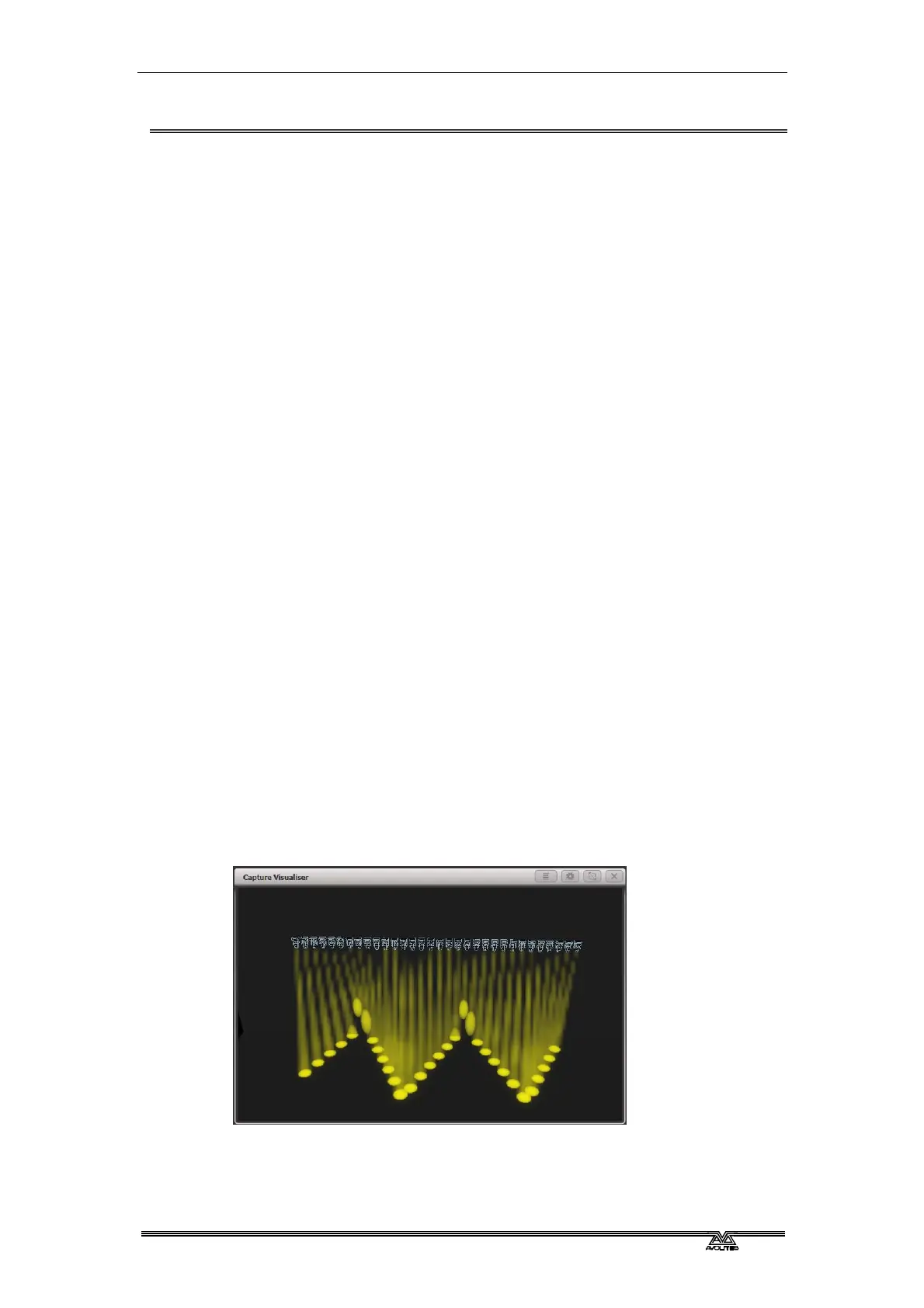
When you use a shape with more than one fi
xture, you can choose to
either apply the shape identically to all the fixtures, or offset them so
that the shape runs along the fixtures creating “wave” or “ballyhoo”
type effects. This is called the Phase of the shape.


 To Next Page