9. Cue Lists - Page 183
TitanUniversal_Man_v10_QU.doc 15 March 2016
9. Cue Lists
Cue Lists (sometimes known as stacks or cue stacks) allow you to
record a sequence of cues, each of which can have its own timings
and can be triggered by the Go button or run automatically to the
next cue. This allows you to build a complete show in a single list and
is ideal for theatrical shows where the show must be exactly the
same each time. Cue lists can also be useful in busked shows,
especially on consoles with a small number of playback faders, to
offer a number of different looks on one fader.
Cue lists differ from chases in the way the console handles changes
between cues. Cue lists track fixture state from previous cues and will
only change the fixture state if you have modified that fixture in the
cue; if there are no changes stored for the fixture, it will remain in
the same state. Chases on the other hand would crossfade between
cues, fading out all fixtures which have no stored information in the
new cue.
You can change the tracking behaviour of cue lists using the tracking
option for each cue: Block, This Cue Only and Solo (see section
Tracking on page 189).
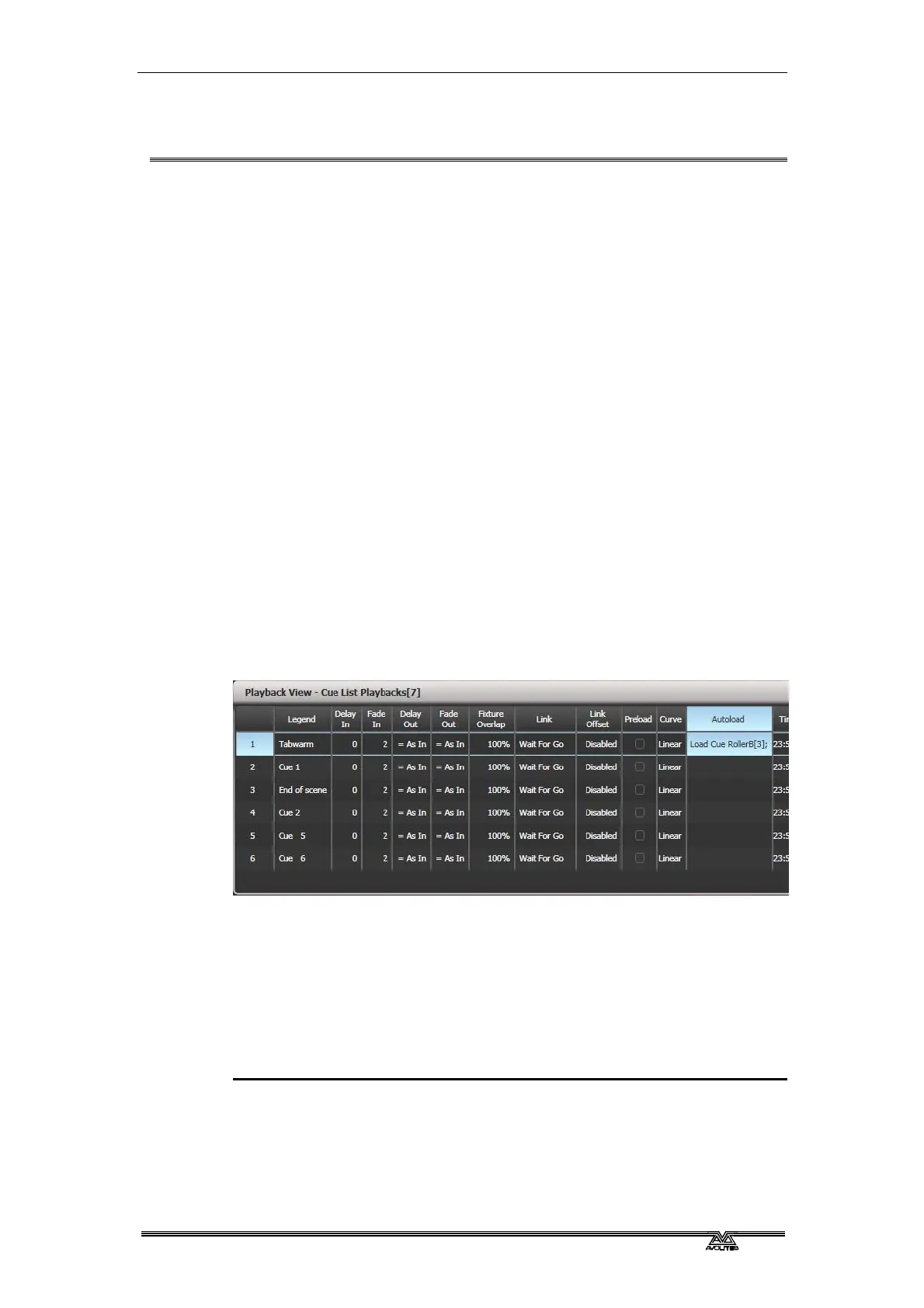
To view the contents of a cue list, touch the pl
ayback screen relating
to the fader or press Window Open then the swop button of the
playback.
9.1 Creating a cue list
9.1.1 Programming a cue list
Programming a cue list is similar to recording a chase.
You need to set up the look on the stage for each cue and then add it
to the cue list. If you want to set fade times, you can either set them
while saving the cues or later.
1> Press Record then [Create Cue List].
2> Press the blue Select button of the playback where you want to
store the Cue List (you can also store cue lists in the Playbacks
window).



 To Next Page