Page 82 – 4. Controlling dimmers and fixtures
TitanUniversal_Man_v10_QU.doc 15 March 2016
• The AND, THRO and @ functions are also provided on the grey
buttons at the bottom of the numeric keypad as printed next to
the buttons.
4.1.10 Selecting using a pattern
When programming you will often want to select patterns of fixtures.
Rather than having to individually select and deselect fixtures, the
Quartz has an easy way of sel
ecting odd then even fixtures in a
range of fixtures, or it can, for example, select every 4
th
fixture.
1> Select some fixtures.
2> Press the All button (above playback 1).
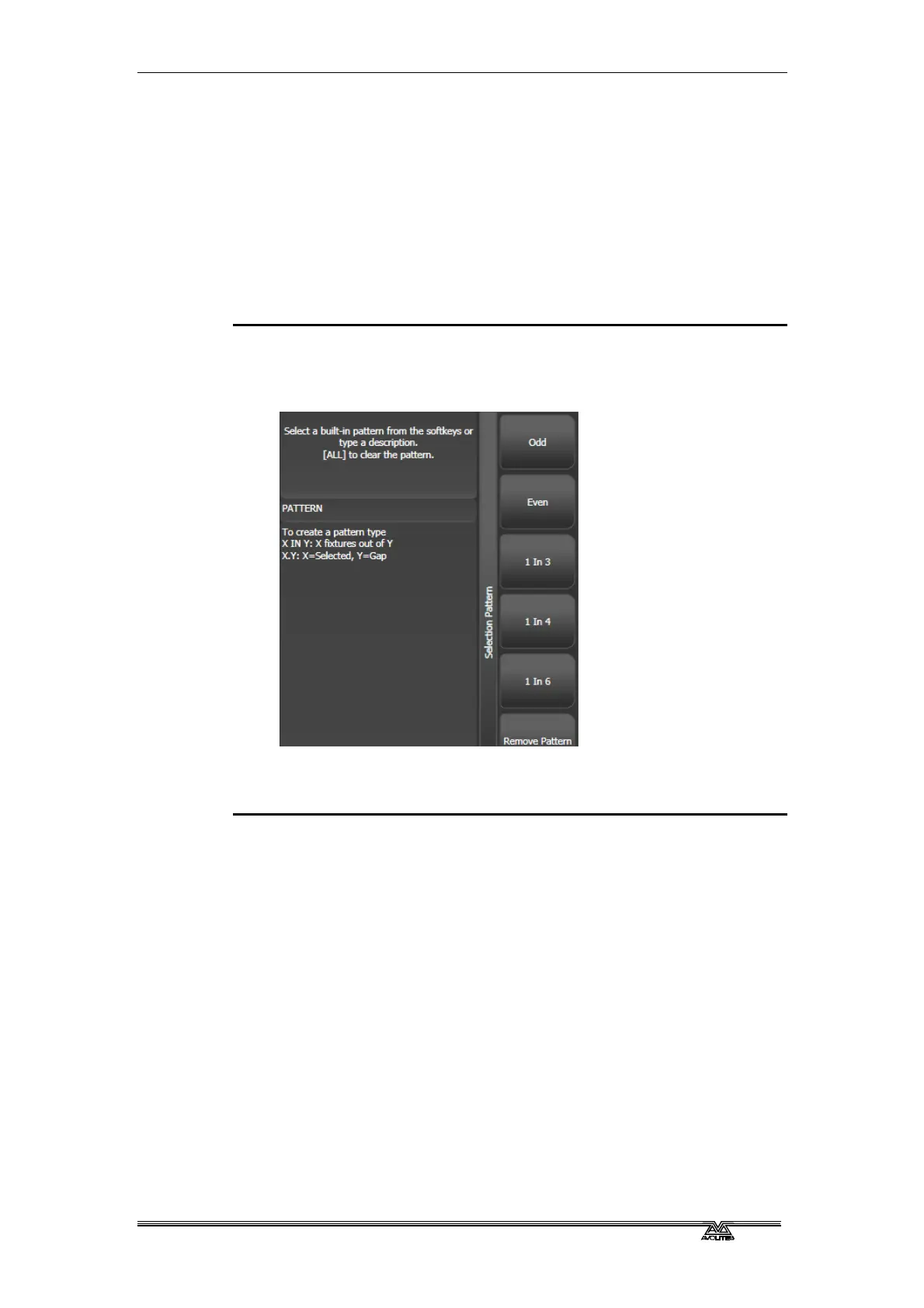
3> Select a pattern from the softkeys. Your selection is modified so
you will only be controlling, say, the odd fixtures.
4> Press the Fix+1 or Fix-1 buttons button to change the selection
to the next stage of the pattern.
5> To end the pattern selection, press All twice.
• For example, if you are programming a chase using 16 fixtures
and you want every 4
th
fixture to do the same thing, you just
select the 16 fixtures, then press All, then D [1 in 4]. You will
see that the 1
st
, 5
th
, 9
th
and 13
th
fixtures are now selected, and
you can create the look for those fixtures. Then press Next, and
the 2
nd
, 6
th
, 10
th
and 14
th
fixtures will be selected ready for
programming. After you have programmed the fourth set of
fixtures, the pattern will go back to the first position again, until
you press All twice to end.
• You can enter your own patterns using the numeric keypad and
softkeys, for example “2” A [In] “6”.
4.1.11 Selecting fixtures which are in a palette or playback
To select fixtures which are controlled by a particular palette or
playback use the Select If function.
To select fixtures used in a playback or palette, press Select If then
the palette or playback button. (The Fixture button is at the top left



 To Next Page