Page 58 – 3. Patching
TitanUniversal_Man_v10_QU.doc 15 March 2016
There is also a Personality tab (not shown in the pictures) which
shows history information about the personality file for the fixture.
This can be useful for checking the version of the personality file.
3.2.3 Changing DMX addressing using Patch View
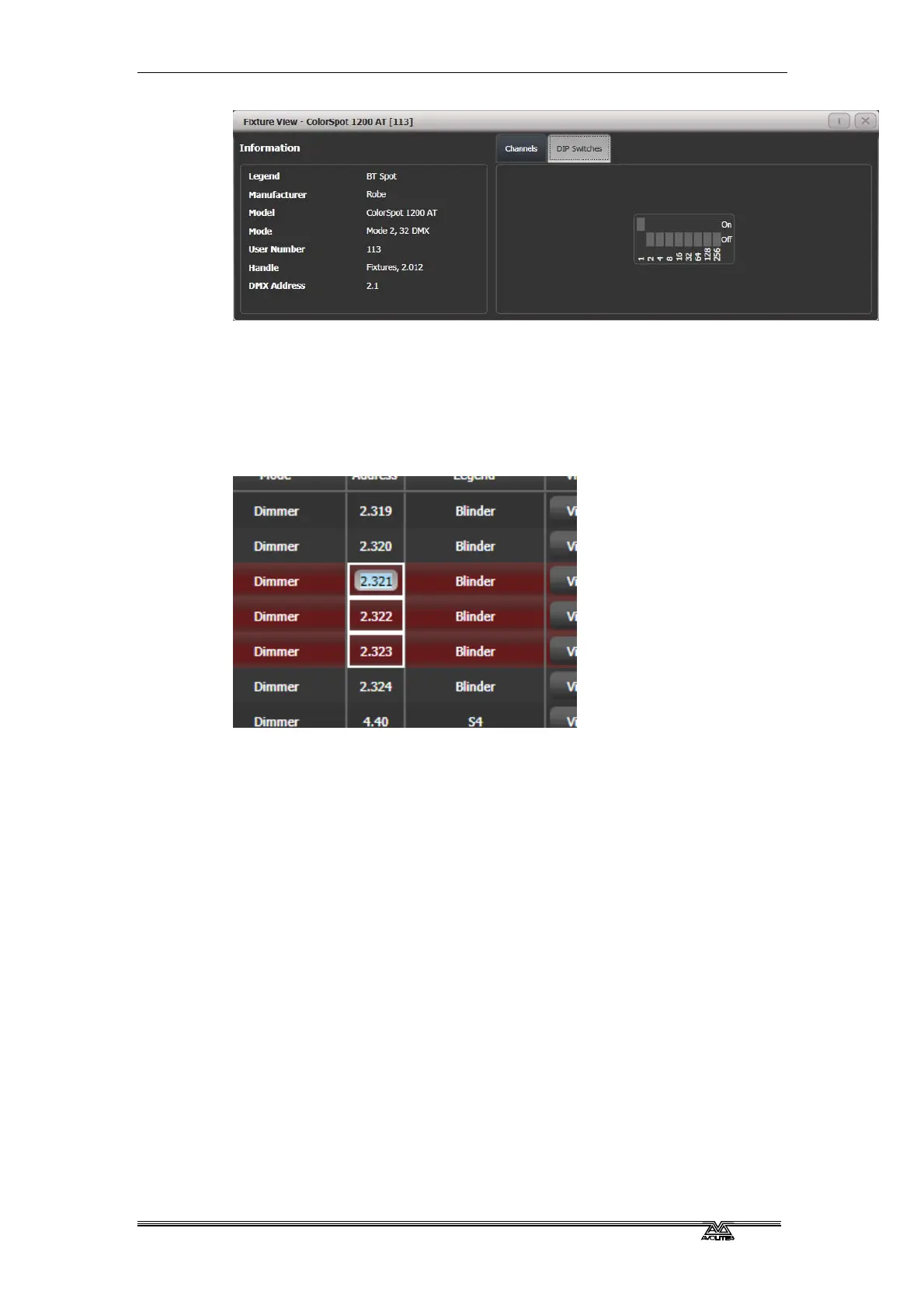
You can easily change the DMX address of one or more fixtures from
Patch View. Select the DMX address cells you want to modify.
Type the new address for the first fixture in the selection and press
Enter (using the format Universe . Address – if you miss out the
universe part it will stay unchanged).
All fixtures will be renumbered keeping the addressing offset between
the fixtures the same (in other words if each fixture takes 20
channels, the addresses will be set with an offset of 20 channels
between each fixture).
The [Swap Fixture Addresses] softkey lets you swap the addressing
between two groups of fixtures. This operates in two modes, [One For
One] or [Retain Layout], which you can select by softkey after
pressing [Swap Fixture Addresses].
Select one group, then press [Swap Fixture Addresses] and select the
target group. In One for One mode the target must be the same
quantity of fixtures or the console will display an error. In Retain
Layout mode the console will attempt to add or remove fixtures to get
the same quantity – if this conflicts with other fixtures it will give you
the options to [Park Conflicting] or [Cancel].
3.2.4 Changing DMX address using Patch menu
As well as using the Patch View screen, you can use the Patch menu
to re-patch a fixture to a different DMX address or a different DMX
output line. All programming is kept.



 To Next Page