2. Setting up and using the console - Page 23
TitanUniversal_Man_v10_QU.doc 15 March 2016
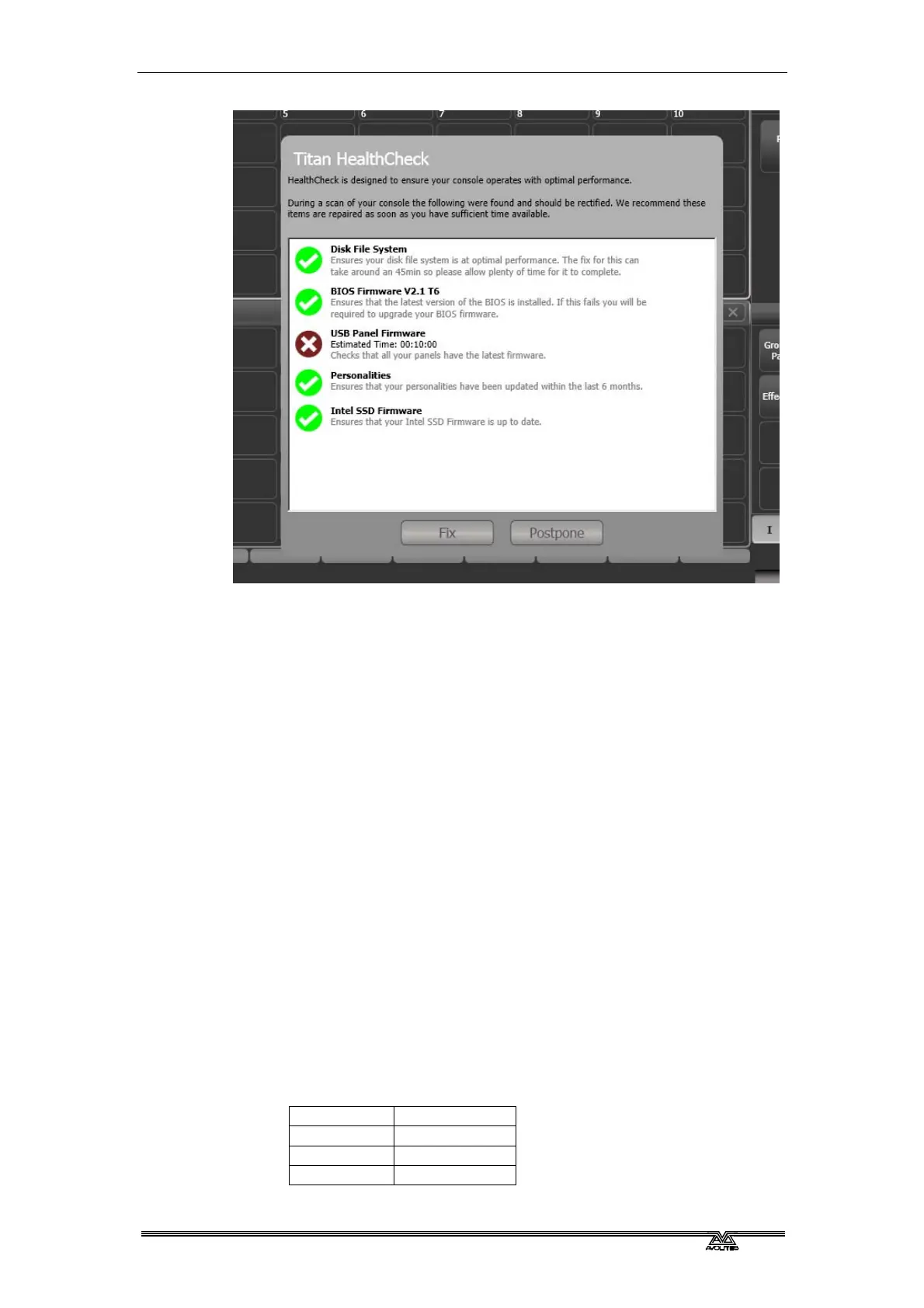
Only run fixes if you have plenty of time as some fixes can take up to
an hour to complete.
2.2.5 Connecting DMX lines
The console communicates with lighting fixtures using the DMX512
system. The console itself can output 12 universes of DMX (each 512
control channels). If you need to output more universes, it is
recommended to network the console to one or more Avolites
TitanNet processing nodes. This off-loads the DMX processing,
allowing the console to control up to 64 universes of DMX in total (see
section 13.6.1 on page 249 for more details).
The consol
e has 4 DMX outputs on 5-pin XLR for direct connection to
fixtures and dimmers, and can send DMX over Ethernet and wireless
Ethernet systems to allow connection to remote DMX Ethernet nodes,
media servers, and so on.
When you patch a dimmer or fixture you tell the Quartz which of the
12 (or 64 wi
th TitanNet) DMX universes it is on. Each universe can be
configured to come out of one or more of the standard DMX outputs
on the back of the console, or over an Ethernet protocol (see section
15 on page 263.)
By defaul
t, DMX Lines 1-4 are connected to the four XLRs on the
console.
The 5-pin XLR sockets on the console are wired like this:
Pin 1 Earth
Pin 2 Data -
Pin 3 Data +
Pin 4 Not used



 To Next Page