5. Palettes - Page 97
TitanUniversal_Man_v10_QU.doc 15 March 2016
5. Palettes
When programming a show you will find that you frequently use
certain positions, colours, etc. The console lets you store these
settings so you can recall them at the touch of a button rather than
having to find them on the wheels every time. This is very useful for
rapid programming and when busking a show.
When you use a palette to record a cue, the console stores a
reference to the palette, rather than the actual value. This means
that if you program your cues using palettes, you can easily change
all the positions in your show just by reprogramming a few palette
entries rather than having to reprogram all the cues. This is handy if
you are touring and have to cope with different stages or truss
heights every show.
Palettes can be nested so you can use palettes in other palettes. If
you change a master palette, the changes will track through to all the
palettes in which it is used.
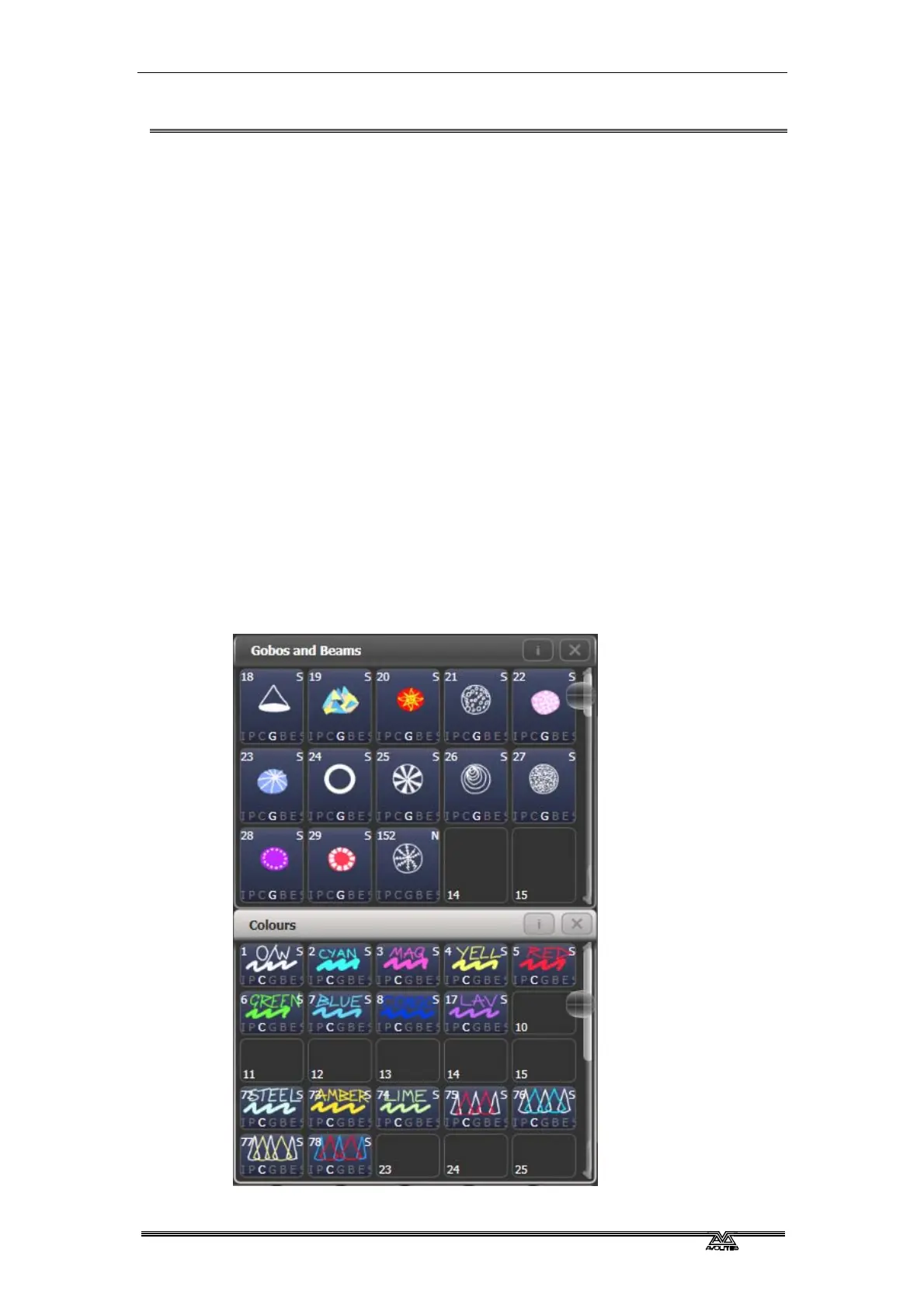
Palettes are stored and selected using the buttons in the Colours,
Gobos/Beams and Positions windows. You can also store palettes on
the grey buttons of fader handles and on Macro/Executor buttons.
You can set a legend for each button so that you know what you’re
going to get.



 To Next Page