Page 38 – 2. Setting up and using the console
TitanUniversal_Man_v10_QU.doc 15 March 2016
2.4 Multi-user operation
You can connect multiple consoles together to work together on a
show. You can also have multiple user setups on a show on a single
console to allow different layouts, for example for a support band LD.
2.4.1 Users
Each show can have multiple users. Each user has their own user
settings, key profiles and handle layout (known as a handle world).
This provides a quick way to switch between preferred user settings
and handle layouts, for example at a festival or other event where
there are a number of operators.
Users are stored in the showfile and the currently selected user is
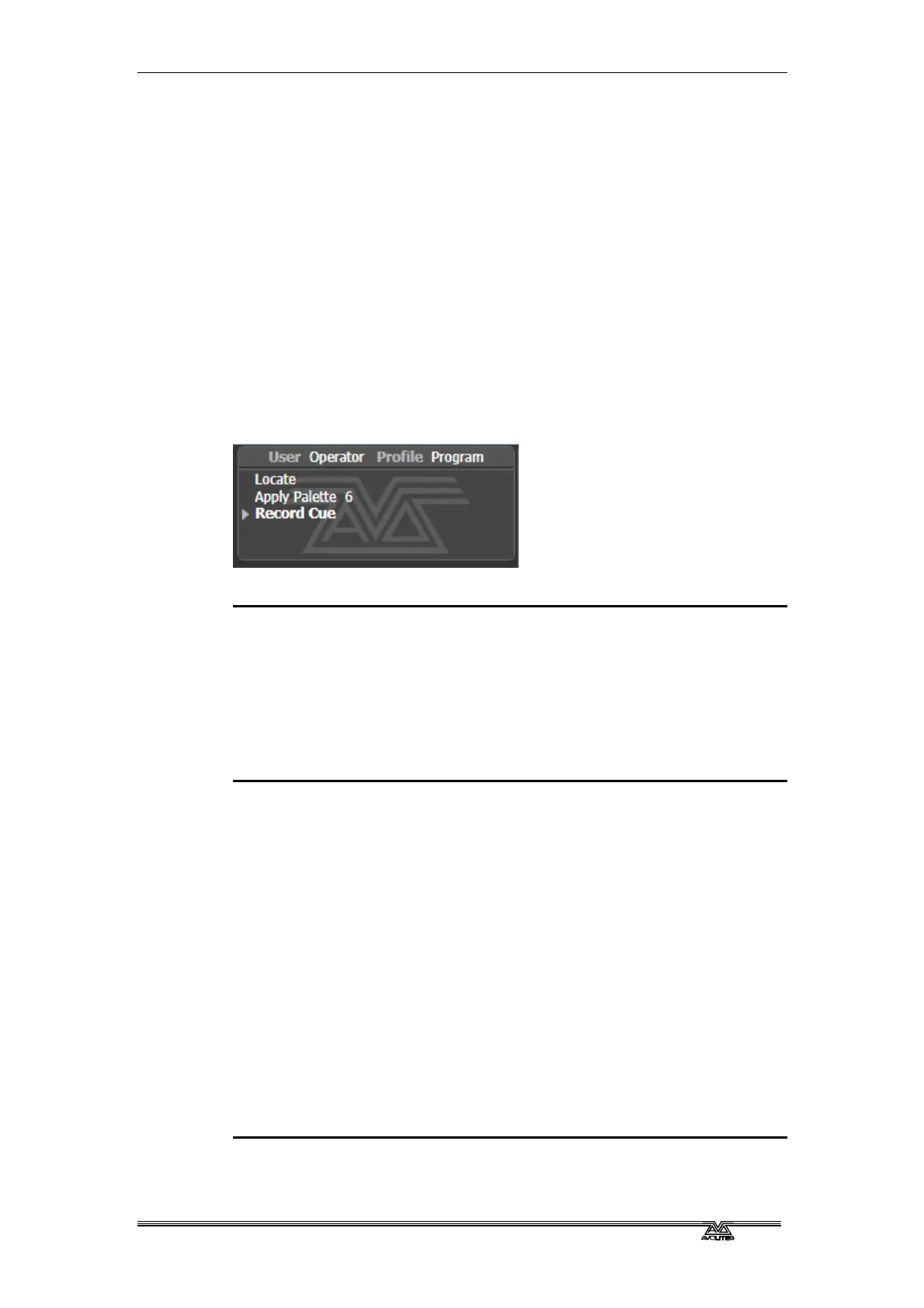
restored when loading a show. The default user is called “Operator”
and the prompt area in the display shows the current user name and
selected key profile.
To change or create users, go to the Users menu.
1> Press the Disk button.
2> Press [Users].
3> To switch to a different user, press [Change Current User] and
select a new user from the list (the current user is highlighted).
4> To create a new user, press [Add a User], enter a name for the
new user and press [OK].
5> You can also quickly change user from the root menu by
holding Avo shift and pressing [User … ]
• If multiple consoles are connected in a collaborative session,
any user added to one of the consoles will be available on any
of the other consoles.
2.4.2 Handle Worlds
Each show can have multiple Handle Worlds, each having its own
layout of handles. This allows each user to have their own layout of
cues, palettes and chases which can be easily switched, for example
when a support band and headline band are using the same console,
or when multiple programmers are working collaboratively on a
number of consoles.
When a new user is selected, the handle world they were using is also
loaded.
All handle worlds are stored within the showfile, the default handle
world is called “Mapping World 1”.
Handle Worlds are managed from the Disk menu.
1> Press the Disk button.
2> Press [Handle Worlds].



 To Next Page