Page 222 – 11. Running the show
TitanUniversal_Man_v10_QU.doc 15 March 2016
Stop/run/step a chase etc: after touch ($An pp cc)
Note number (pp) = playback number, from 0 - 19 (decimal)
Aftertouch value (cc) = control codes:
$00 stop chase
$01 run chase
$02 restart from step 1
$03 fade to next step using programmed fade times
$04 snap directly to next step
11.5.4 MIDI show control
The following MIDI Show Control messages are supported:
Command Action
GO Fire the specified playback or cue
STOP Pause the specified playback or cue
RESUME Un-pause the specified playback or cue
LOAD Set the playback level to full
ALL OFF Release all playbacks
RESET Same as ALL OFF
GO OFF Same as resume
Playbacks/Cues are identified by their User Number. To set the user
number, press [Set Legend] then the select button of the cue, then
[User Number].
MIDI show control devices are identified by a device ID. To set Titan’s
device ID go to System mode and select [User Settings], [MIDI]. The
default setting is 0.
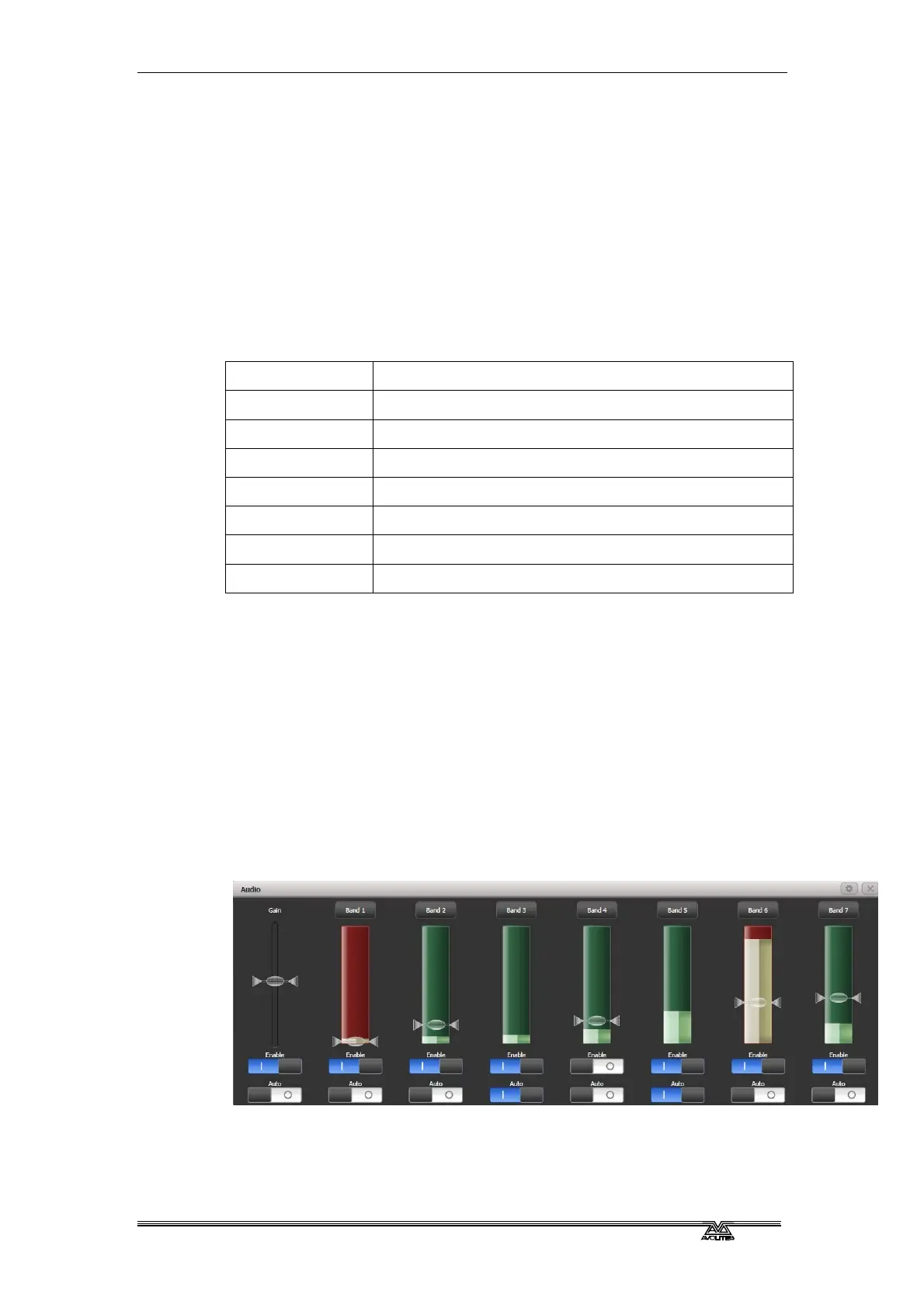
11.5.5 Audio control (sound to light)
On supported consoles the audio input is divided into frequency
bands which can be used to provide the trigger. The [Band] option
selects which of the bands is being used.
Audio triggers are adjusted in the Audio Triggers workspace.
If the console does not have suitable hardware a warning message is
displayed. Currently only the Quartz and Arena consoles have the
audio hardware.



 To Next Page