10. Capture visualiser - Page 205
TitanUniversal_Man_v10_QU.doc 15 March 2016
10. Capture visualiser
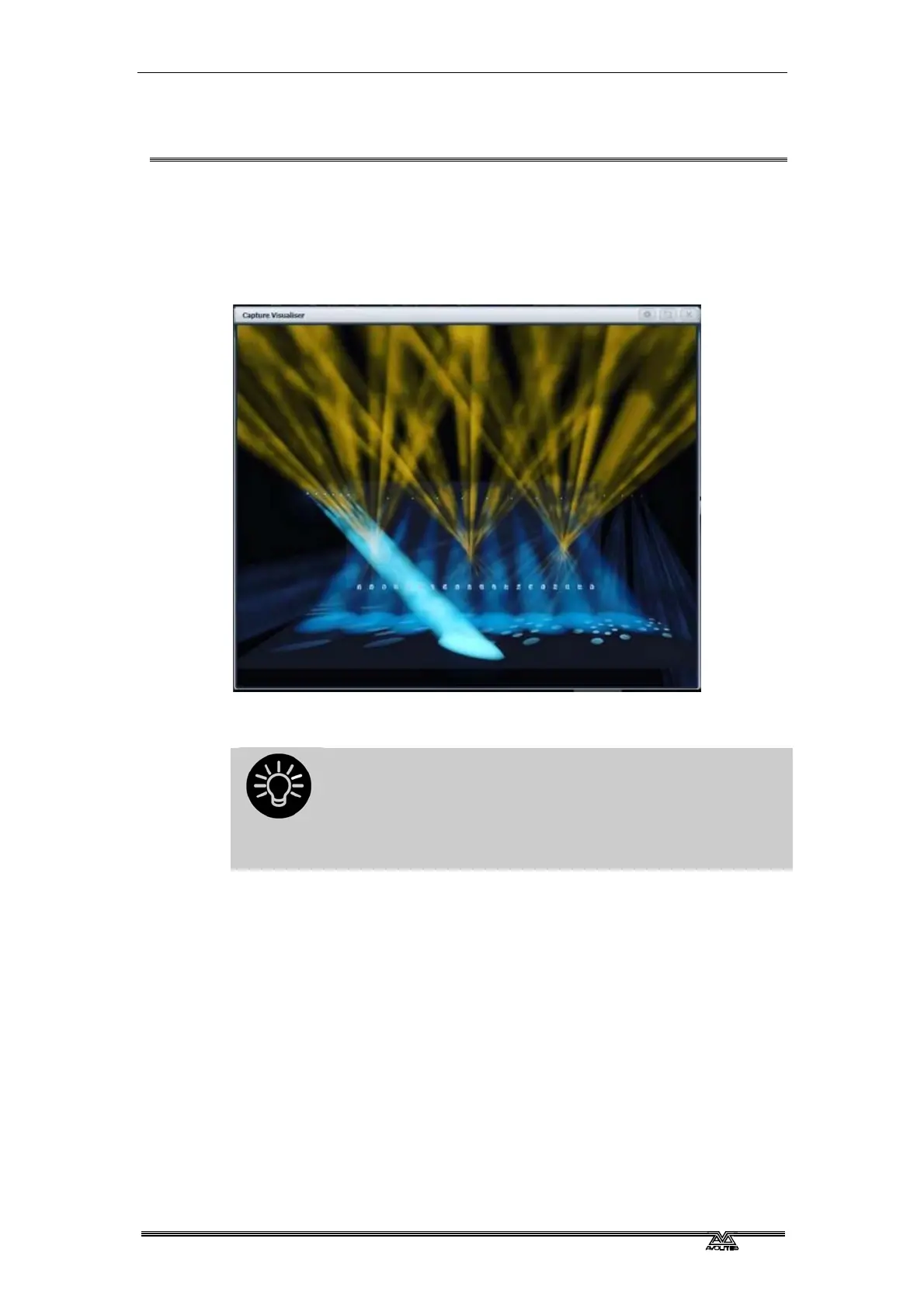
From Titan v10, the Capture visualiser is integrated into the console.
This can provide a realistic simulation of your lighting which is really
useful for pre-programming or making changes in blind mode during
a show.
To open the visualiser, select [Capture Visualiser] from the [Open
Workspace Window] menu.
Always pre-program using palettes, because things
never quite line up the same in a visualiser as they do in
the real world. Using palettes means that you just need
to reprogram the palettes when you get onto the real
rig, rather than having to change lots of cues
separately.
The previous visualiser is still available using the [Legacy Visualiser]
workspace window.
10.1 Setting up the rig
10.1.1 Setting up the stage and rigging
To help you see what your rig will really look like you can add fixed
elements of staging and rigging.
Open the Capture Visualiser Settings window from the Open
Workspace Window menu, or the Open Settings context button in the
Capture window. Click the Stage tab.



 To Next Page