13. User Settings and other options - Page 241
TitanUniversal_Man_v10_QU.doc 15 March 2016
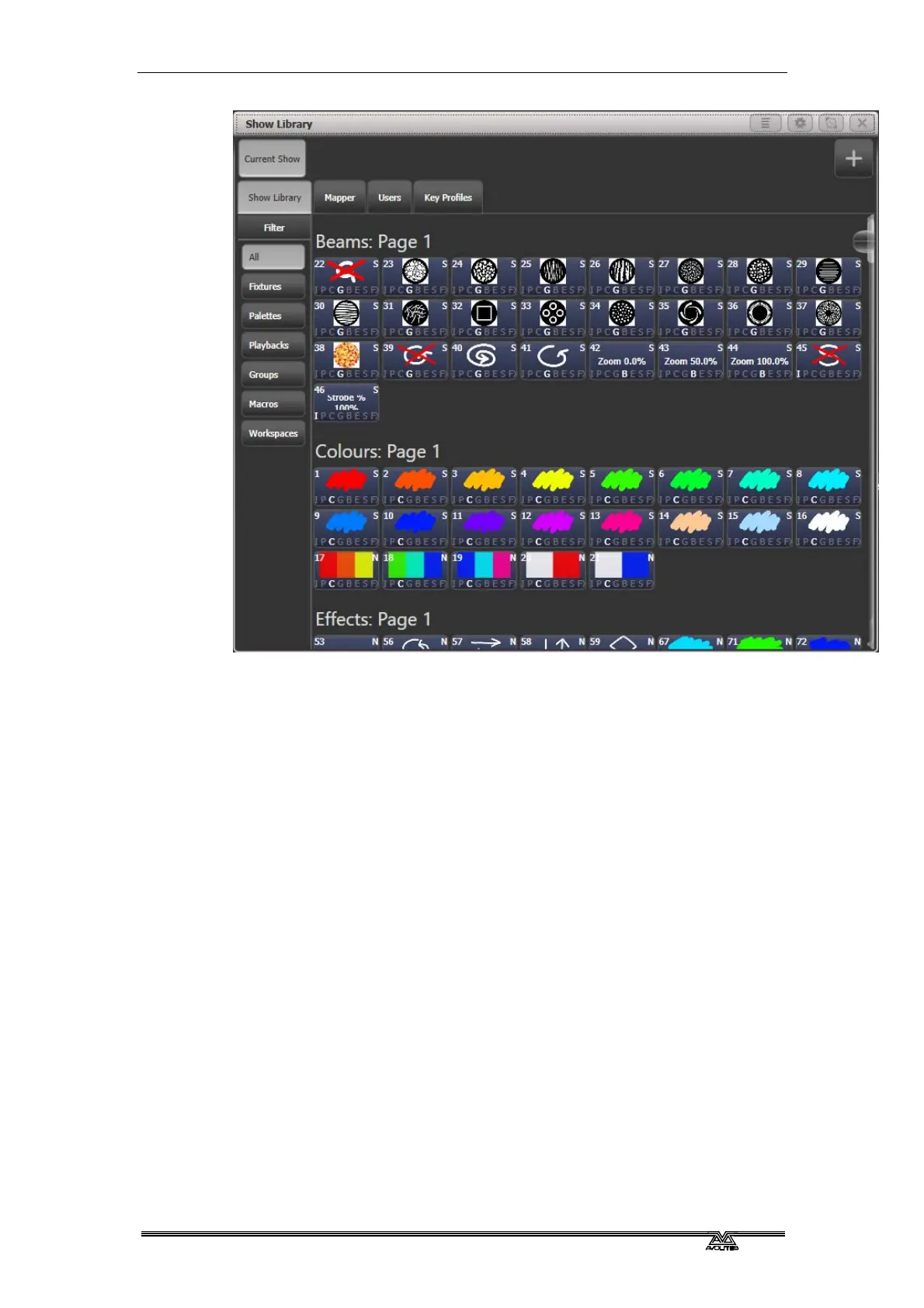
Clicking on the buttons in the Show Library window will activate
them.
13.3.2 Mapping shows for import
Press the Plus button top right to map another showfile to allow you
to import elements of it.
Using the Mapper tab you can map similar fixtures from an imported
show to the current show. This lets you load in your favourite
programming from other shows. See section 2.6.3 on page 44 for
more det
ails.
13.3.3 Users tab
This tab allows you to set up and select users for the console. This is
the same as the [Users] option found in the Disk menu.
13.3.4 Key profiles display
Selecting the Key Profiles tab shows all information about the
different Key Profiles available on the console. The available profiles
are listed down the left hand side, and the key allocations are shown
on the right. Key Profiles are described in the next chapter.


 To Next Page