Page 154 – 7. Cues
TitanUniversal_Man_v10_QU.doc 15 March 2016
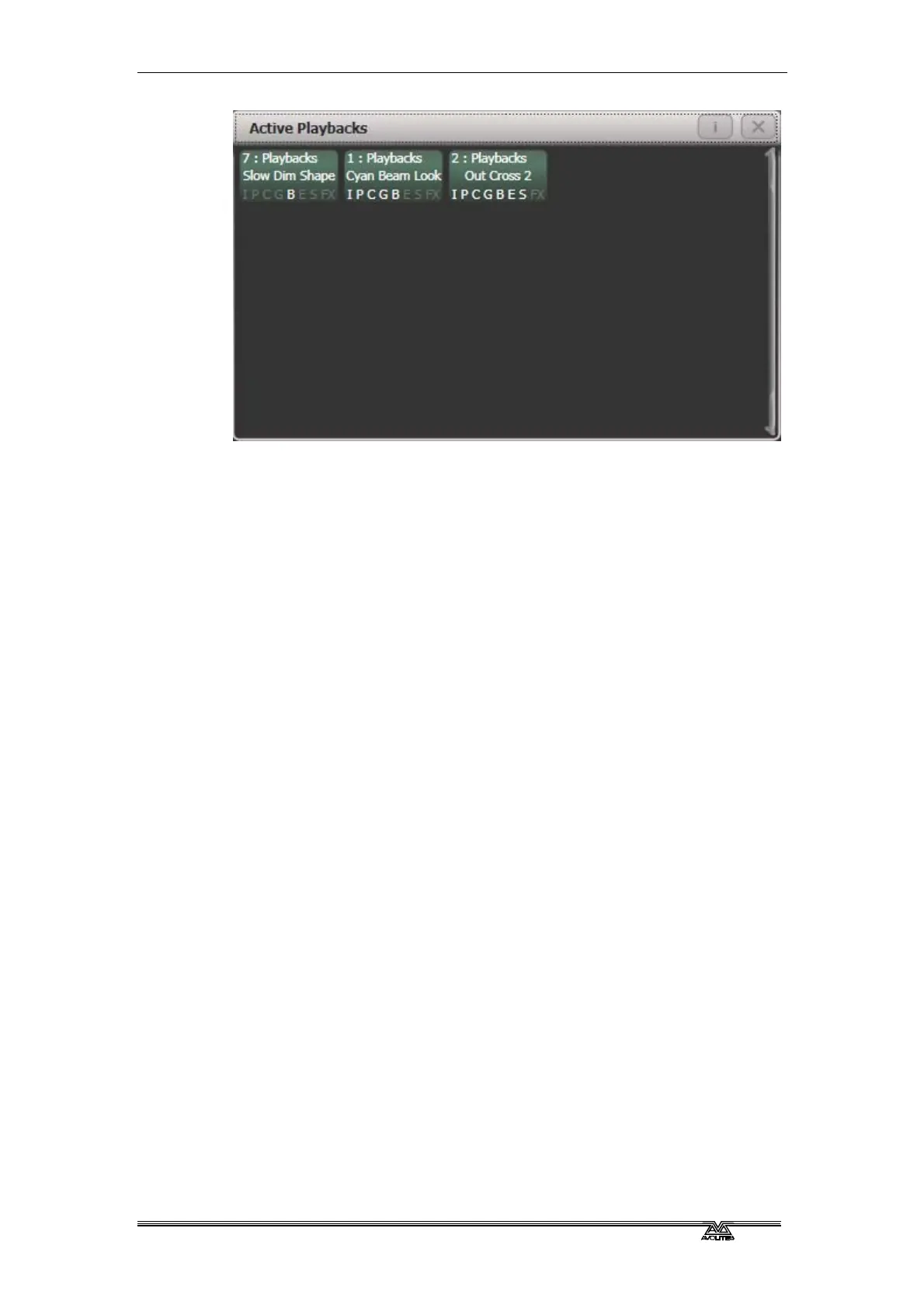
Click on a playback to instantly kill it. You can also press [Playback
Options] followed by the playback in this window to change
parameters of the playback.
7.2.5 Speed and Size Masters
Playbacks can be assigned to Speed and Size Masters which allow you
to modify the speed and size of shapes or effects stored in a cue (or
in the case of chases, to modify the speed of the chase). This is really
useful to modify the look when several playbacks are running at the
same time.
A playback is assigned to a Speed Master by pressing [Playback
Options] then [Effects].
The following speed sources are available:
• Local (no Speed Master)
• BPM 1-4 (override the local speed with a fixed value from the
master)
• Rate 1-4 (proportionally modify the local speed using the
master)
Also four different Size sources are available.
The 4 different BPM Masters and 4 different Rate Masters allow you to
individually control the speed of different playbacks.
You will also need to assign one or more handles to act as the master
faders; to do this, switch the console to System mode and select
[Assign Mastering]. Special key profile options are available for Speed
Masters, BPM Masters default to Tap Tempo.
Speed and size masters can have various scales, 0-100%, 0-200%
and so on. A 0-200% speed scale would allow you to slow down and
speed up the speed to double the programmed setting. Scales are set
by selecting [Playback Options] then press the Select button of the
master.
Tap Tempo can be used on Rate Masters. This lets you synchronise
playbacks while still allowing control using the fader and wheels.
Tapping the tempo of a Rate Grand Master will update and
synchronise all rate masters. If you tap a tempo it is shown in the



 To Next Page