Page 136 – 6. Shapes and Pixel Mapper effects
TitanUniversal_Man_v10_QU.doc 15 March 2016
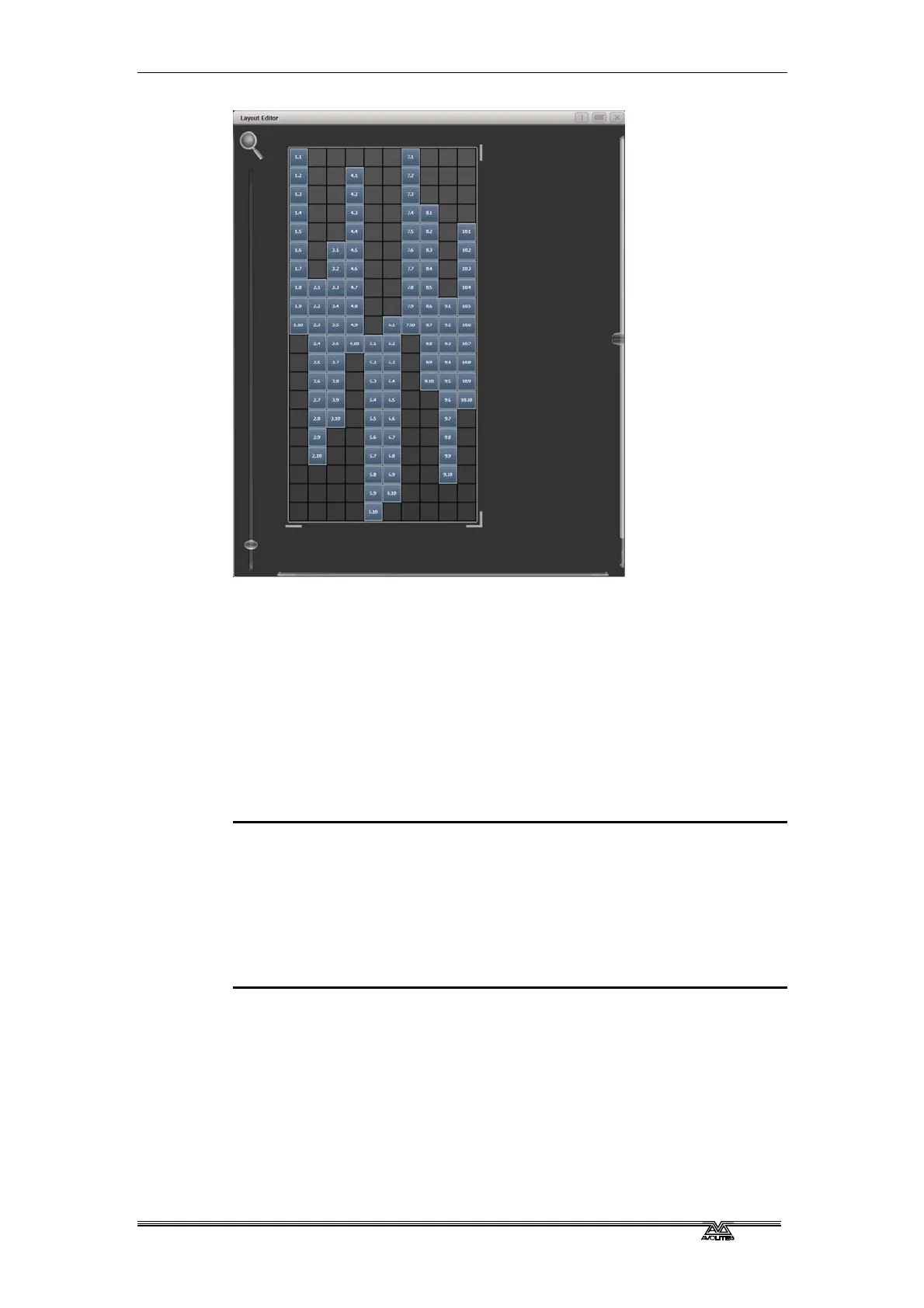
If you create an effect using this group it will appear to be random.
Adjustments can be made to the layout at any time to fine-tune the
end result.
Example 3 - Angles (or 'when straight just isn't good
enough..'):
Sometimes we like to hang fixtures at artistic angles to look pretty.
By default the software assumes you have hung them vertically but
fear not - Titan has a solution:
1> Select your fixtures and create a group.
2> Open the Layout Editor.
3> Select the fixture(s) that you want to angle and use the
appropriate wheel to control. (If wheels are not assigned to
control the cell layout you can toggle this on/off using the
context menu item 'Wheel Control'. Also, on the Pearl Expert
you may need to select 'Adjust Angle' and to return wheels to
controlling position select 'Adjust X,Y'.)


 To Next Page