Page 140 – 6. Shapes and Pixel Mapper effects
TitanUniversal_Man_v10_QU.doc 15 March 2016
having to manually match the individual values.)
7> Record the cue.
Next we will create the second effect:
1> Select the same group as used for the first effect and [Create
Effect]
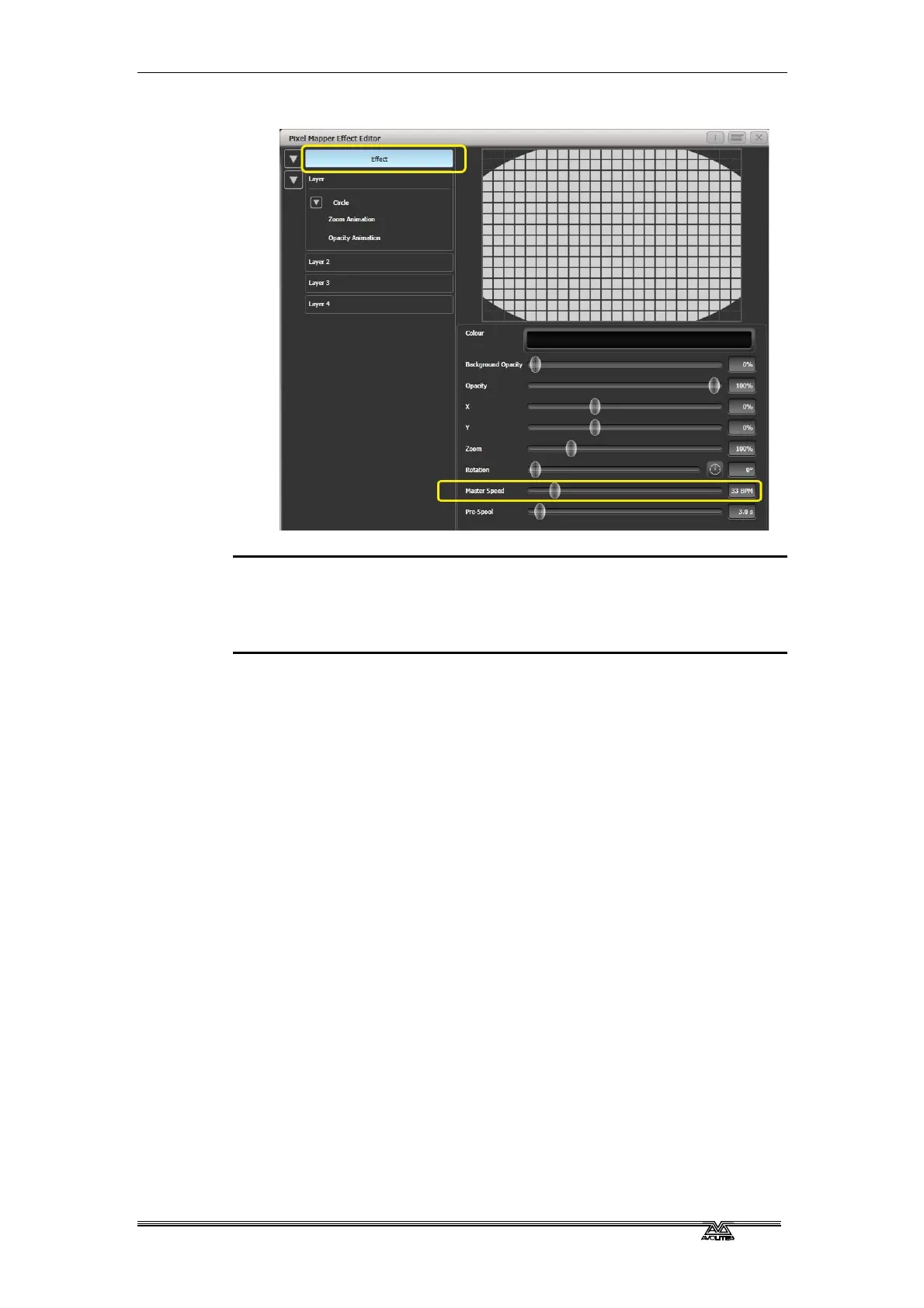
2> Select [Effect] and change 'Background Opacity' to zero.
3> Select [Layer 1] and this time add a Spiral element.
Increase 'Zoom' so that it's nice and big.
Drag 'Thinning' until it is at 0%. (This will make the lines of the
spiral stay the same width. A negative value means the spiral
gets thinner towards the outside; a positive value means it gets
thinner towards the inside.)
Reduce 'Turns' so we can make a more bold effect. Approx. 3
should work.
Increase 'Thickness' to 50% for chunky lines.



 To Next Page