Page 148 – 6. Shapes and Pixel Mapper effects
TitanUniversal_Man_v10_QU.doc 15 March 2016
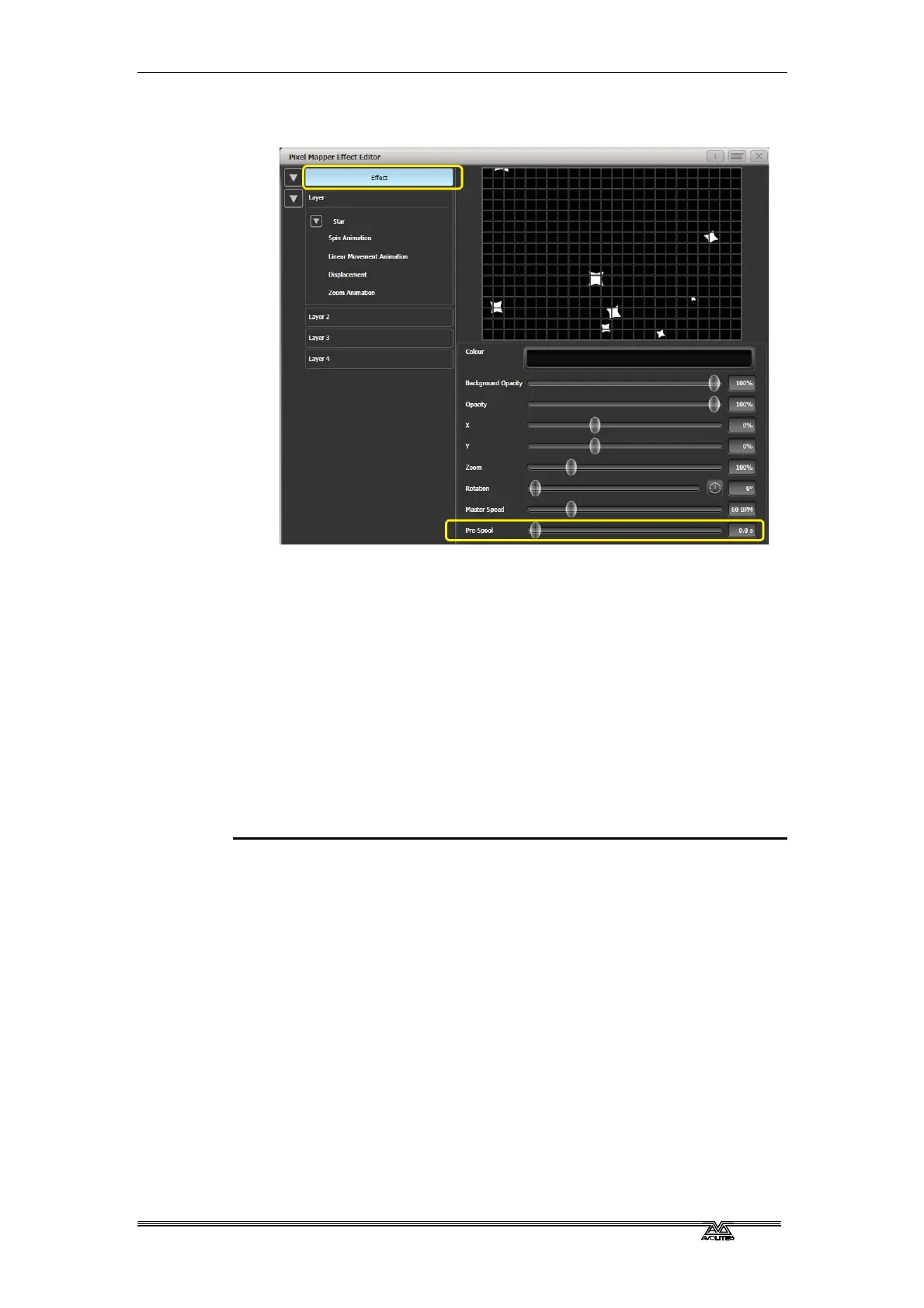
9> Click on [Effect] and set 'Pre-Spool' to zero. (This is to
demonstrate the purpose of the property.)
10> Store the cue.
11> Press clear, open the Pixel Mapper Preview workspace and fire
the cue.
You will notice that initially there are no shurikens on the
screen and it takes a while to build up to a nice random
collection. To fix that we can use 'Pre-Spool'.
12> Include the cue and open the Effect Editor workspace if it is not
already.
13> Select [Effect] and increase the 'Pre-Spool' value to around 20s.
(This means the software will pretend 20 seconds has already
elapsed when the effect is started.)
14> Store the cue, clear, fire and view again in the Pixel Mapper
Preview.
This time there should already be plenty of shurikens on screen. Pre-
Spool is particularly useful for animations that rely on high spawn
rates but run at a low speed.


 To Next Page
 Loading...

