Page 20 – 2. Setting up and using the console
TitanUniversal_Man_v10_QU.doc 15 March 2016
• The Playback faders are used to store and play back cues or chases.
The Page Select buttons let you change to a different page of
playbacks. The bottom of the screen shows information about each
playback.
• The Attribute Control wheels are used to set control values
(attributes) for the fixtures, and to set chase speeds and fades. The
bottom right corner of the screen shows information about the
attributes being controlled.
• The Attribute select buttons are used to select which attributes of a
fixture (e.g. colour, gobo, position) are going to be controlled using the
Control wheels. The buttons have lights on to show you which
attributes are active. Attribute functions such as Fan and Shapes are
also controlled here.
• The Chase and Cuelist control buttons allow you to start and stop
chases and cuelists, and move about in the list.
• The Numeric keypad and other control buttons are used to enter
values and change controls on the system.
• The Function buttons are used to carry out functions such as storing
cues, copying, saving to disk, etc.
• The Workspaces, Macros and Executers buttons are programmable
buttons which can be used to store workspaces (screen layouts),
button macros or cues.
• The Workspace Window select buttons are used to set which
windows are shown on the screen.
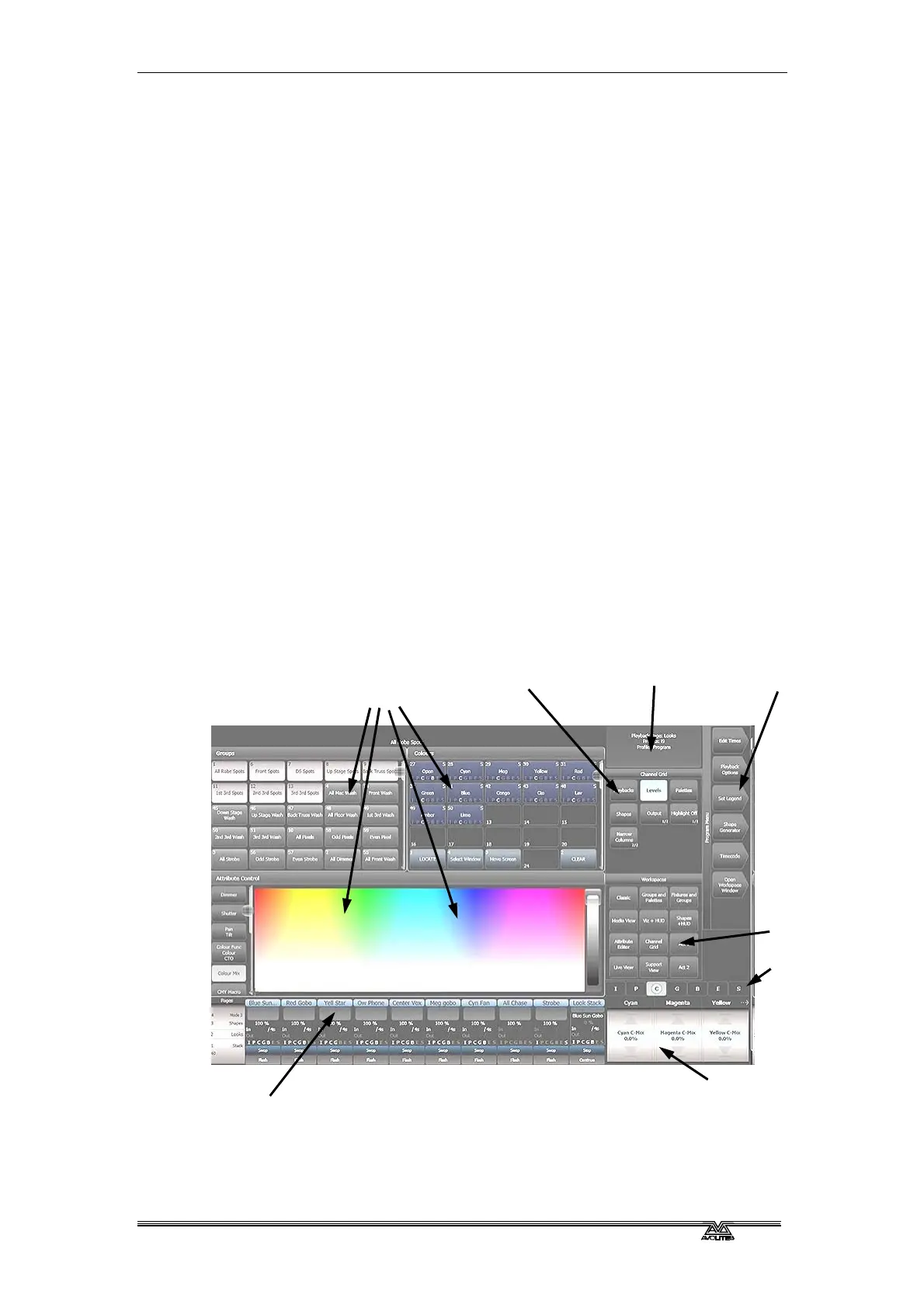
The screen
The touch screen shows all the information required to operate the
console.
Four workspace
windows
Context buttons
Menu softkeys System messages
Playback
information
Workspace
buttons
Wheels display
Attribute status
(IPCGBES)



 To Next Page