2. Setting up and using the console - Page 47
TitanUniversal_Man_v10_QU.doc 15 March 2016
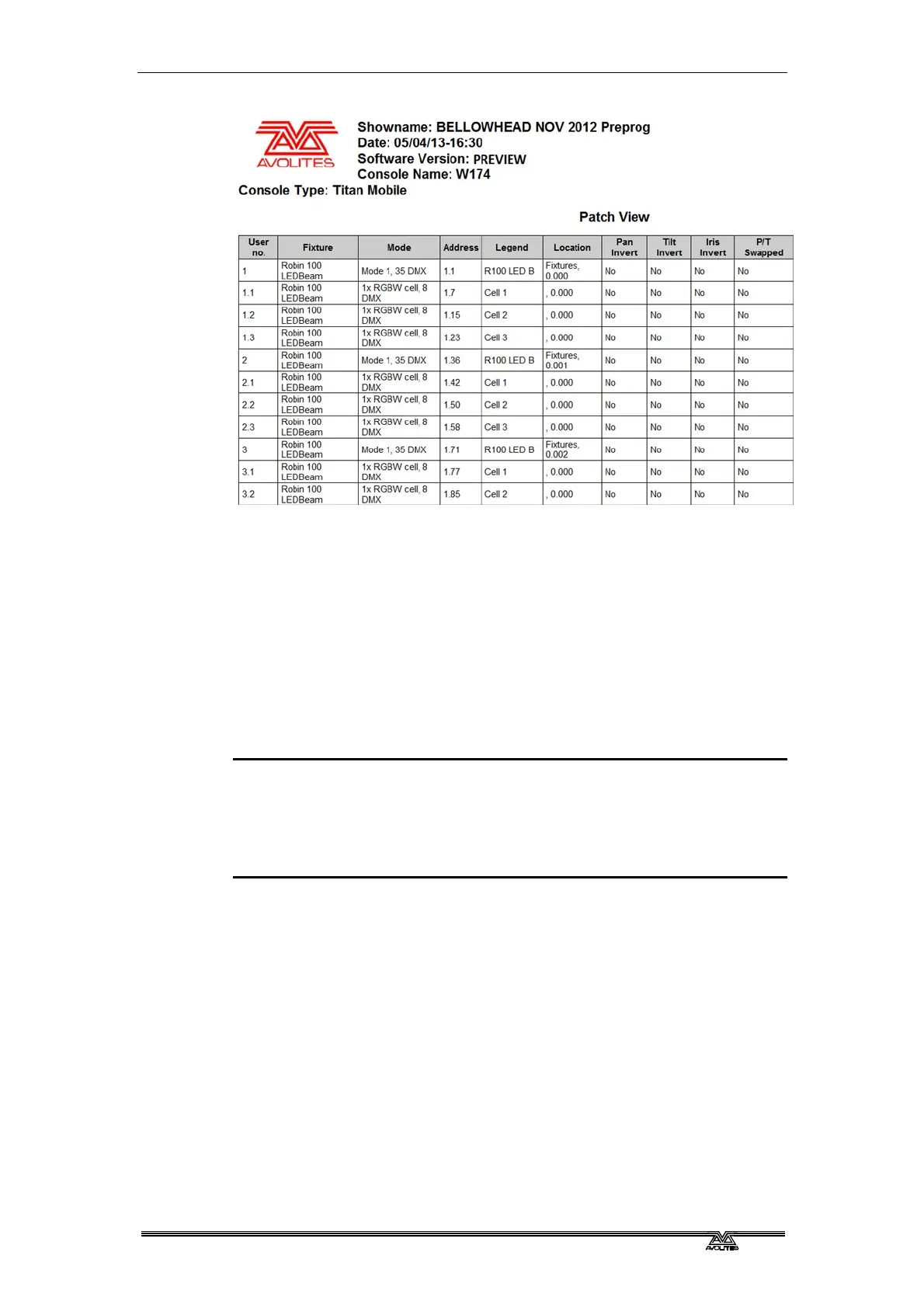
Reports can be created in HTML, PDF, CSV or XML formats for the
following:
• Fixtures
• Memory (Cues)
• Chases
• Cue Lists
• Palettes
• Groups
To generate reports:
1> Press the Disk button.
2> Press [Reports].
3> Select the item(s) you want to include in the report
4> Select the format in which you want to output the report
5> Select the drive where you want to save the report
Reports are output to the Documents/Titan/Reports folder. When the
report is complete, Titan will open the folder where the report is
stored so you can see where it went.



 To Next Page