2-119
Confidential
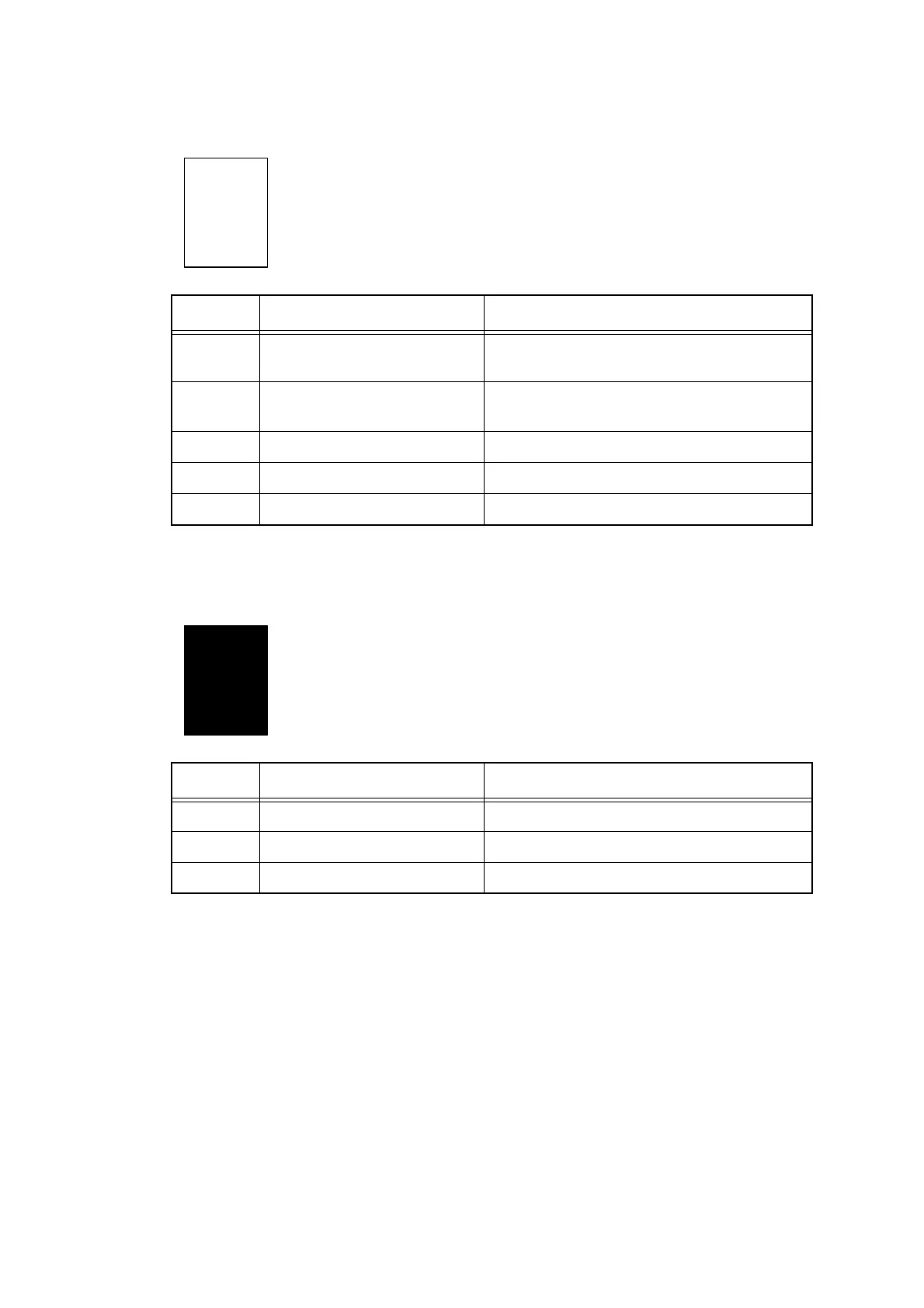
■ Completely blank
■ All black
<User Check>
- Perform head cleaning.
- Check whether ink cartridge exceeded maintenance period.
Step Cause Remedy
1 The top cover was left open Perform powerful purge.
(Refer to Function code 17.)
2 Head flat cable connection
failure
Reconnect the head flat cable.
3 Ink full sensor failure Replace the sub tank ASSY.
4 Ink head failure Replace the ink head.
5 Engine PCB failure Replace the engine PCB ASSY.
Step Cause Remedy
1 Ink head failure Replace the ink head.
2 Engine PCB failure Replace the engine PCB ASSY.
3 Main PCB failure Replace the main PCB ASSY.



 To Next Page
 Loading...












