If the [User Account Control] dialog box appears
Click [Continue] or [Yes].
5
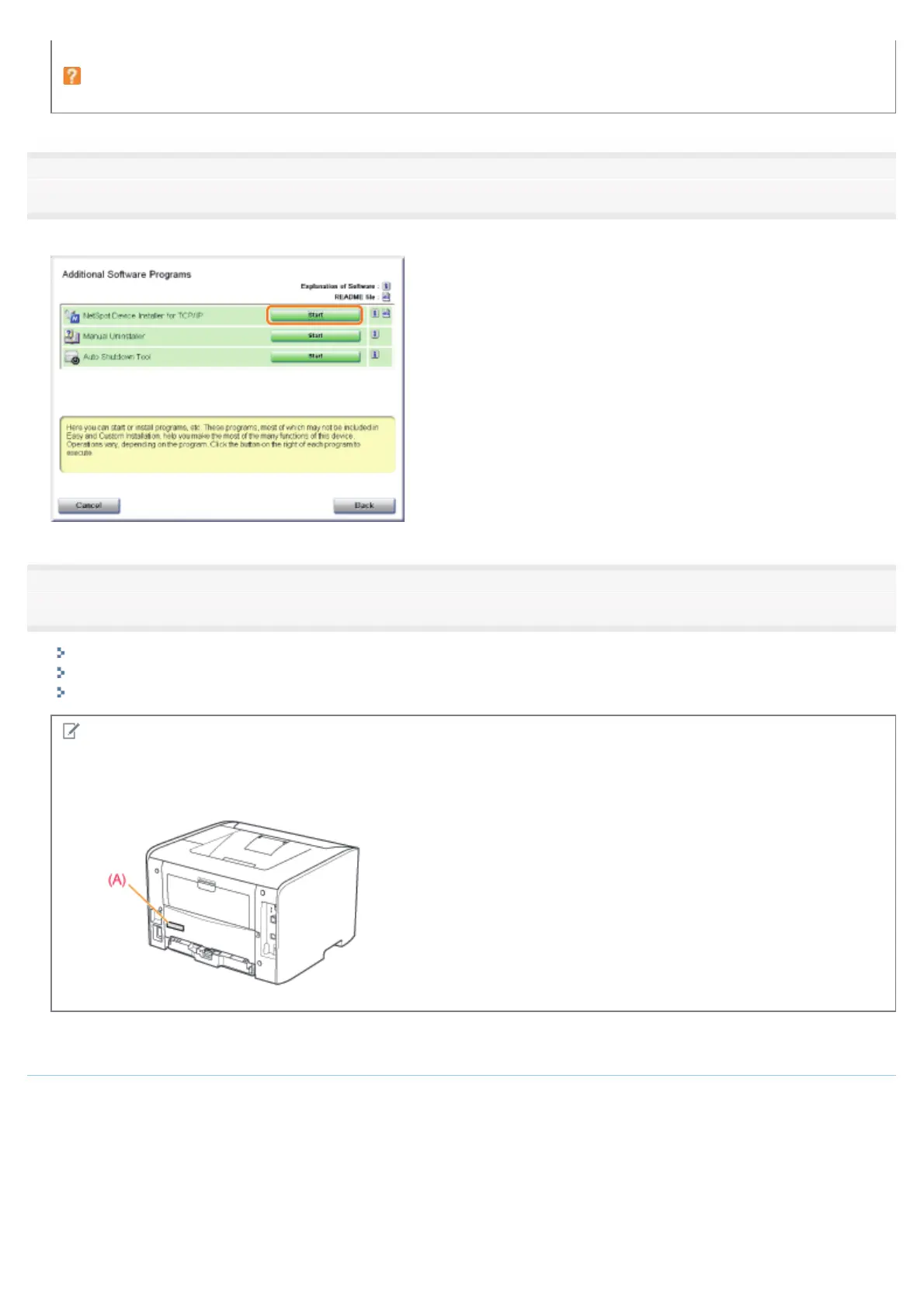
Click [Start] for [NetSpot Device Installer for TCP/IP].
If [License Agreement] appears, read the contents, and then click [Yes].
6
Set the IP address.
If [Status] is set to [Not Configured], and the device of which [Device Name] is a MAC address is displayed
If any devices in which [IP Address] is set to [192.168.0.215] are displayed
If your case falls within neither of the above cases
NOTE
MAC address location
The MAC address is listed at (A) on the printer.
If [Status] is set to [Not Configured], and the device of which [Device Name] is a MAC address
is displayed
1. Select the device.
㻞㻟㻢㻌㻛㻌㻠㻡㻞














 To Next Page