ICS-3000 Ion Chromatography System
88 Doc. 065031-04 1/08
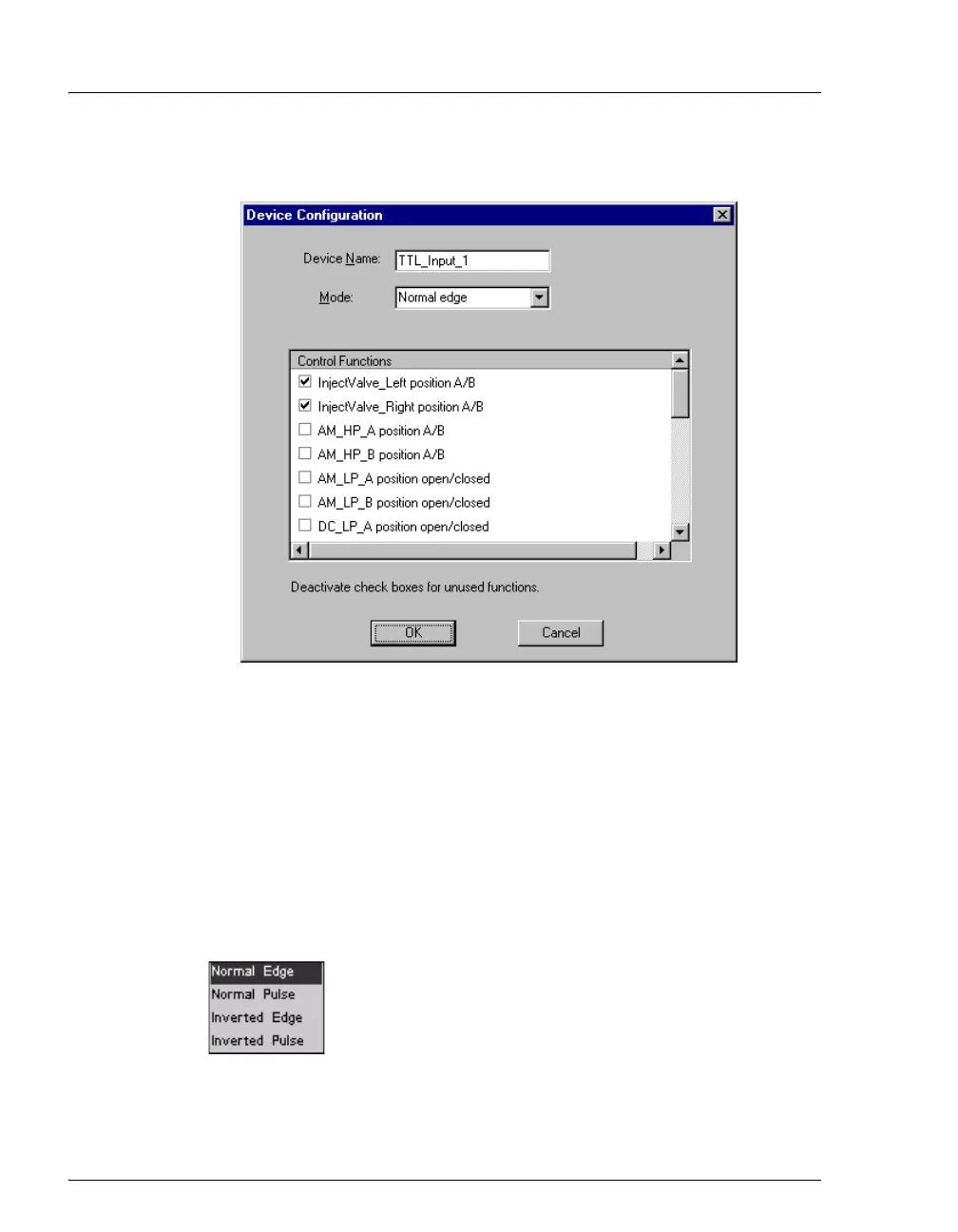
The Device Configuration dialog box for the selected input appears.
5. In the Control Functions list, select the check box of one or more
functions to be controlled by this input. When connected to a
controlling device, the device can send a signal to the input to trigger
the selected functions.
6. By default, several functions are selected. Scroll down the list and
disable all unwanted functions.
TTL Input Control Types
The DC TTL inputs respond to four types of signals to
accommodate different controlling devices. The default
control type,
Normal Edge, is compatible with the output
signals provided by Dionex modules.
If the device connected to the DC does not send a normal edge signal,
select the appropriate control type. Refer to the documentation provided
with the controlling device and the information below to determine the
Figure 2-50. Assign TTL Input Control Functions



 To Next Page