4• DP/SP Startup
Doc. 065031-04 1/08 125
Setting Up the Seal Wash System (All pumps)
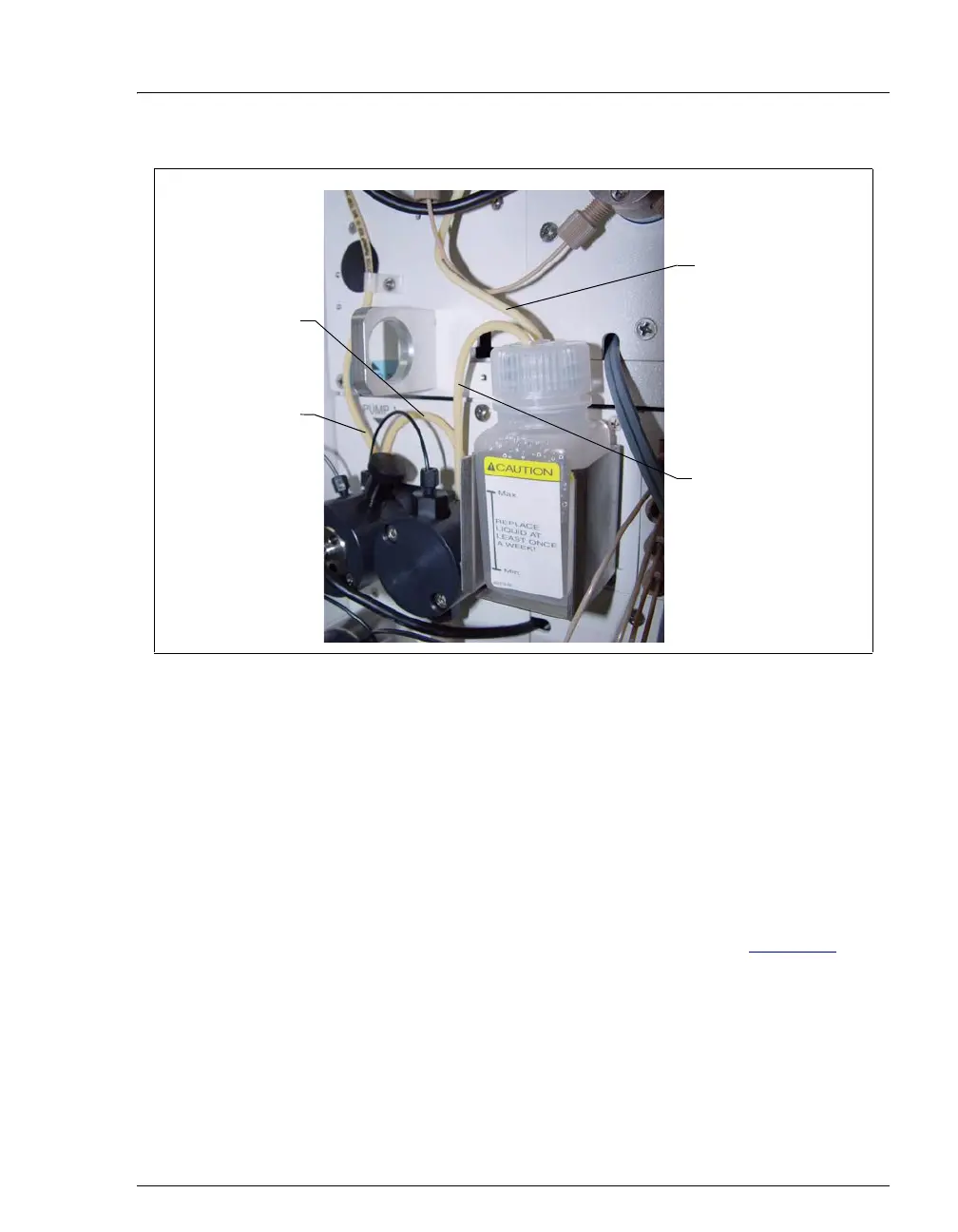
1. Add ASTM Type I (18 megohm-cm) filtered and deionized water to the seal
wash reservoir (P/N 064155).
The liquid level should be between the Min. and Max. markers on the
reservoir label. Do not overfill the reservoir.
2. Place the cap on the reservoir and tighten fingertight.
3. Insert the reservoir into the holder on the component panel.
4. Check that the tubing is engaged in the peristaltic pump (see Figure 4-2
). If it
is not, lift the lever on the peristaltic pump up and to the right, insert the
tubing neatly between the lever and the rotor, and release the lever to secure
the tubing.
Figure 4-1. Piston Seal Wash Connections to Pump 1
Seal Wash
Reservoir Inlet
Line
Connection from
peristaltic pump
to secondary
pump head
Seal Wash
Reservoir Outlet
Line
Connection
between pump
heads



 To Next Page