4• DP/SP Startup
Doc. 065031-04 1/08 129
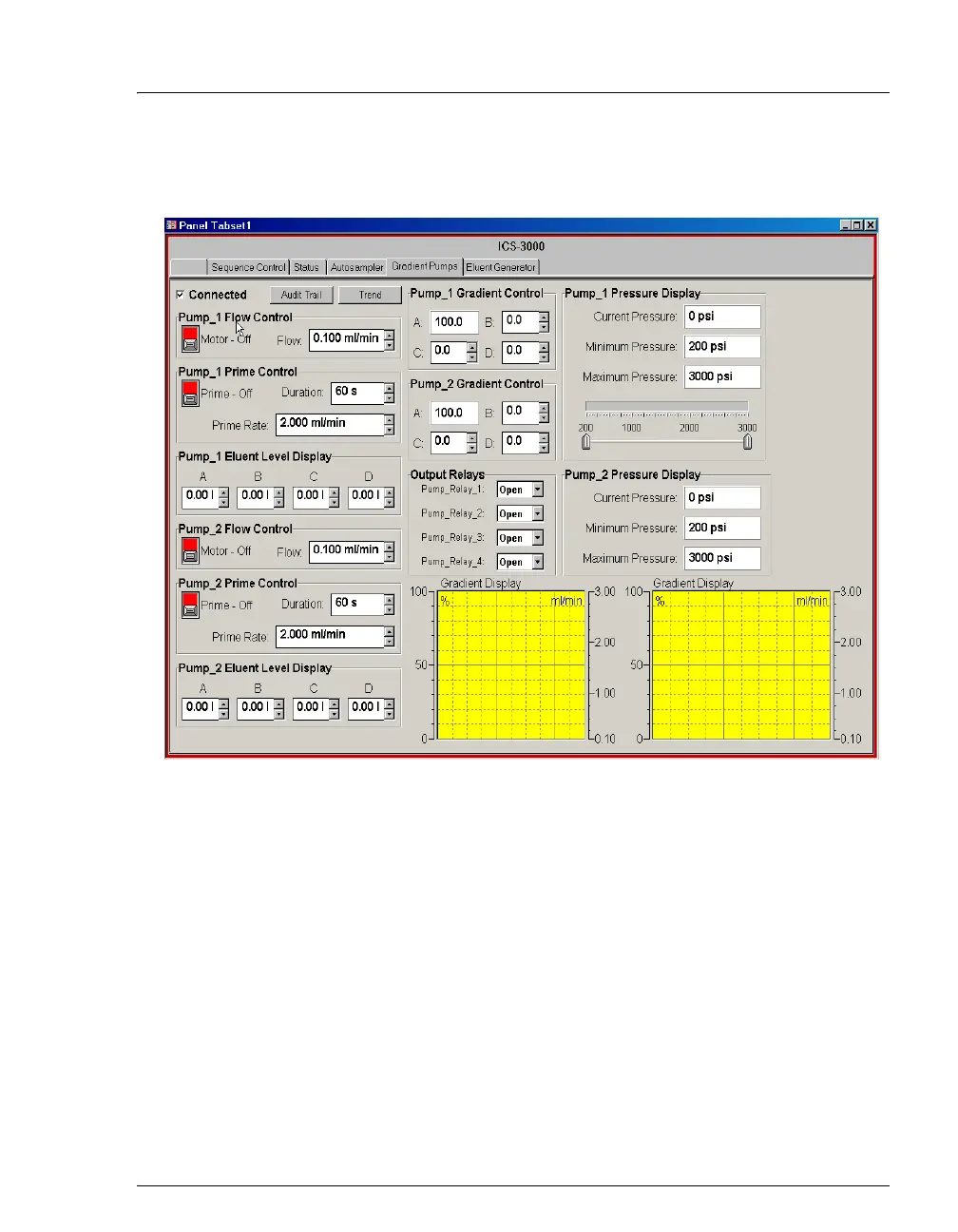
5. To display the pump Control panel, select the Pump tab. (The tab name
varies, depending on the system configuration.)
6. Select the Flow rate required for your application under Flow Control on the
Control panel.
7. Click the Motor switch to start the pump flow.
NOTE After starting the pump or changing the flow rate, wait
at least 5 minutes (longer for flow rates below
1.0 mL/min) before beginning an analysis. This allows
the DP/SP Moduleware to stabilize the flow rate.



 To Next Page