ICS-3000 Ion Chromatography System
184 Doc. 065031-04 1/08
• Injection valve is not actuating or the sample loop is plugged
1. Test the valve by manually switching the position from the
Detector/Chromatography tab on the panel tabset.
2. Check the sample loop for blockage. Clean or replace the loop if needed.
• Detector not properly installed
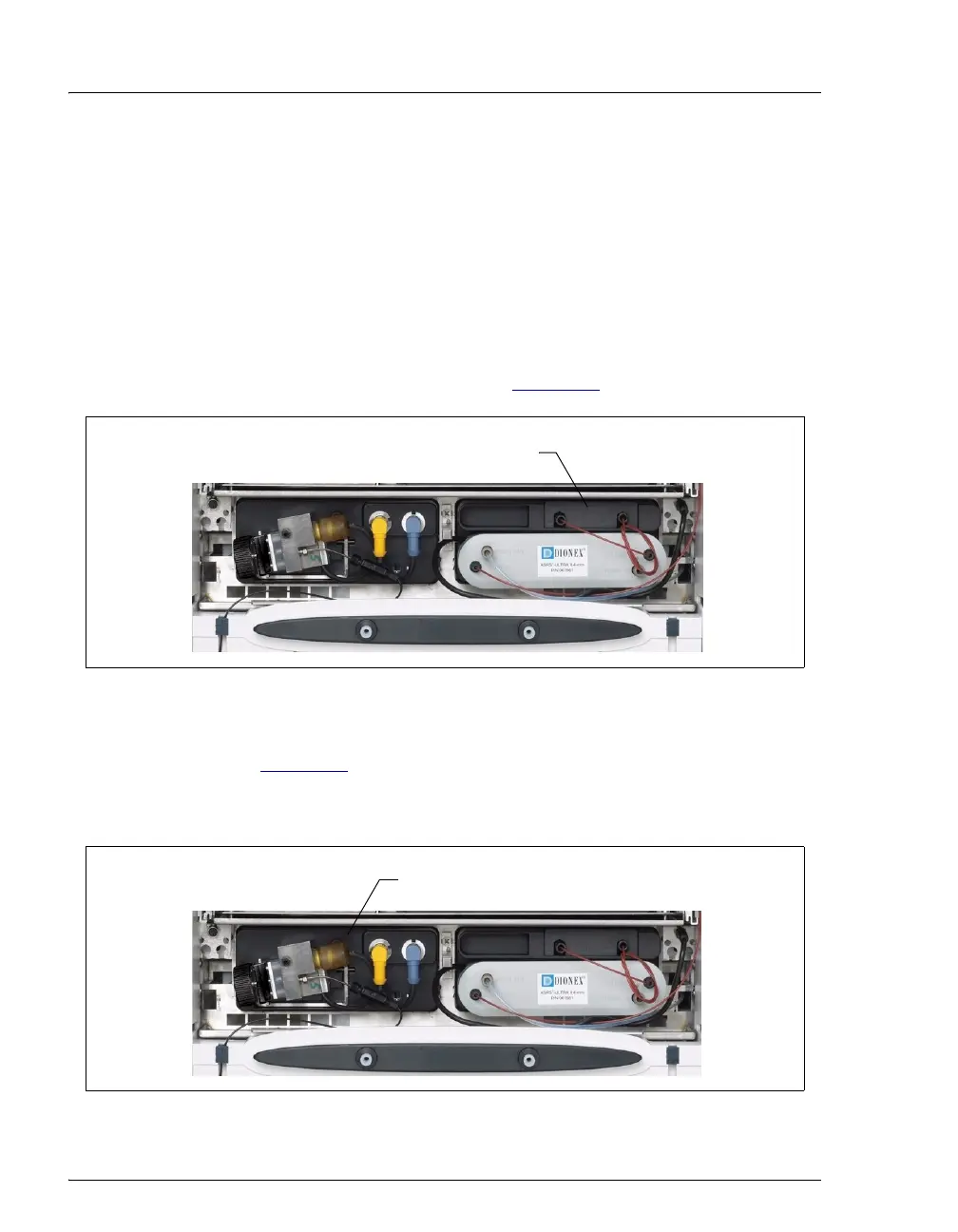
CD: An electronics connector on the back of the detector plugs into a
receptacle on the detector compartment. Push on the detector to make certain
the connector is securely connected (see Figure 8-1
).
ED: Verify that the signal cables from the cell are connected to the detector
block (see Figure 8-2
). In addition, an electronics connector on the back of the
detector plugs into a receptacle on the detector compartment. Push on the
detector to make certain the connector is securely connected.
Figure 8-1. Conductivity Detector Connection
Figure 8-2. Electrochemical Detector Connection
Push here to ensure that the detector’s
electrical connection is secure.
Push here to ensure that the detector’s
electrical connection is secure.



 To Next Page