9 • DC Service
Doc. 065031-04 1/08 321
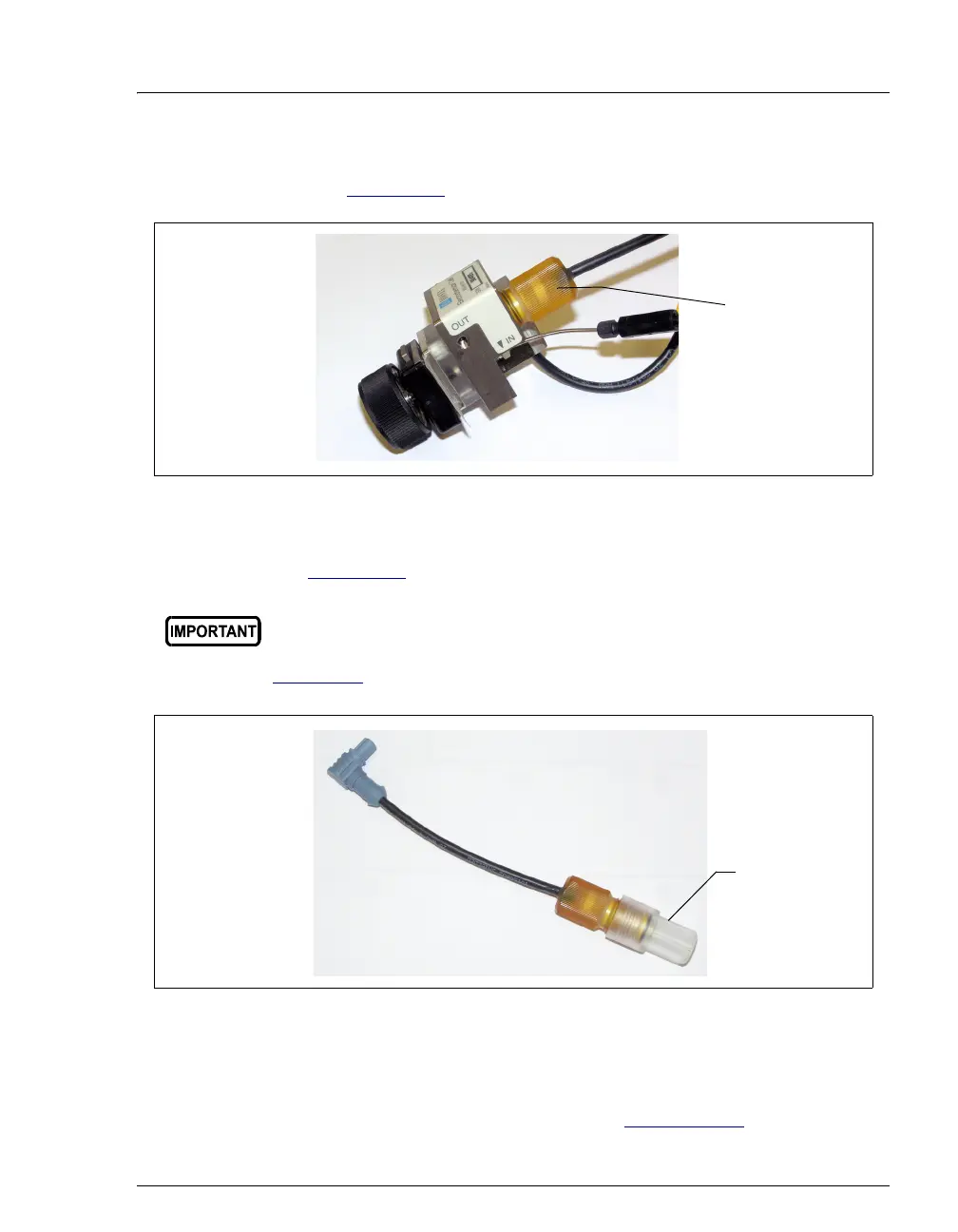
4. Unscrew the reference electrode and remove it from the cell body
(see Figure 9-36
).
5. Unscrew the storage cap from the new reference electrode (see
Figure 9-37
). Save the cap.
6. Rinse the electrode thoroughly in ASTM Type I (18 megohm-cm)
filtered and deionized water to remove any precipitated salt.
7. Calibrate the reference electrode (see Section 9.24.5
).
Figure 9-36. Removing the Reference Electrode
Always store the electrode in the storage cap filled with saturated KCl
solution when the cell is not in use. This prevents the reference
electrode membrane from drying out and damaging the electrode. See
Section 6.4
for storage instructions.
Figure 9-37. Reference Electrode in Storage Cap
Unscrew
the reference
electrode
Save the
storage cap



 To Next Page