Chapter 19
| Unicast Routing
Configuring the Routing Information Protocol
– 707 –
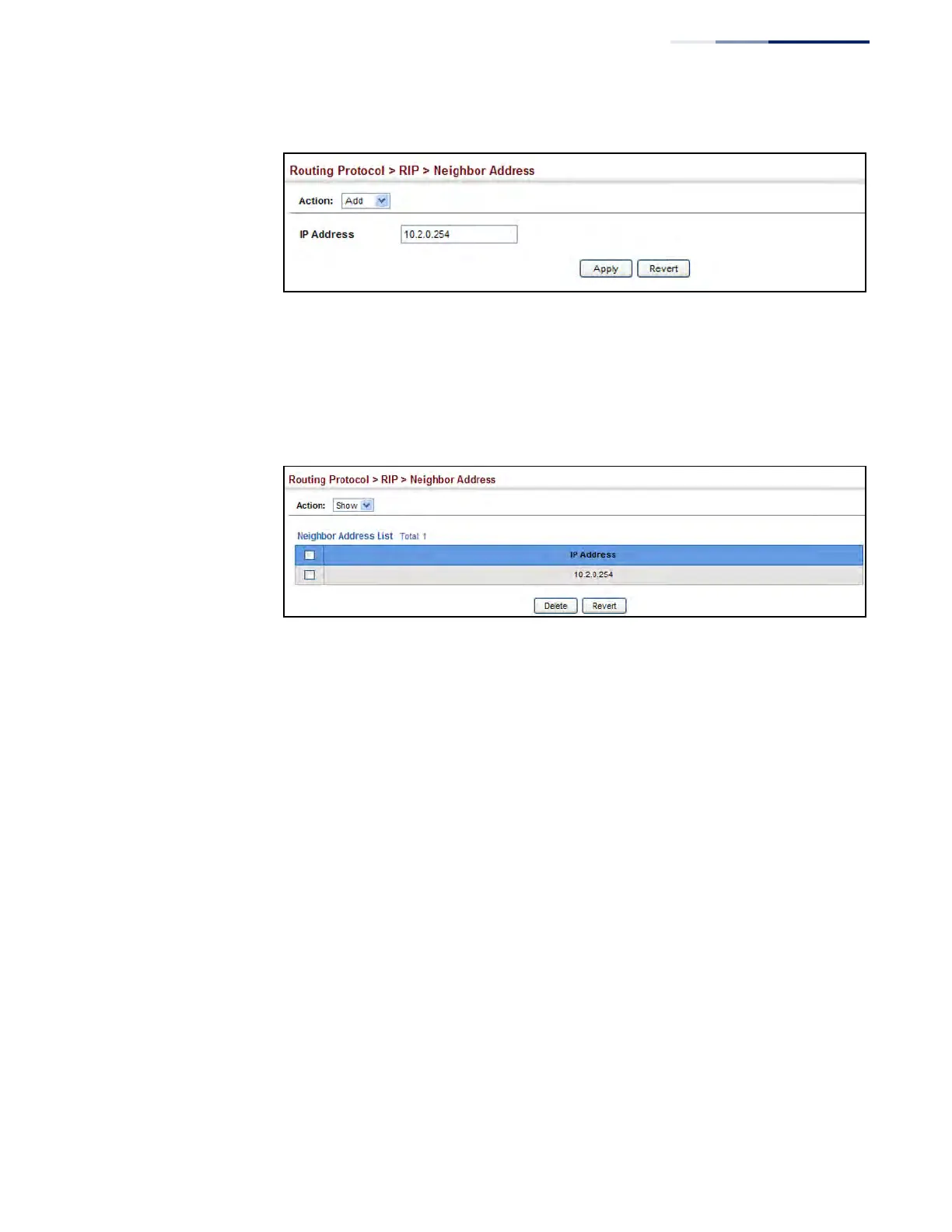
Figure 471: Specifying a Static RIP Neighbor
To show static RIP neighbors:
1. Click Routing Protocol, RIP, Neighbor Address.
2. Select Show from the Action list.
Figure 472: Showing Static RIP Neighbors
Configuring Route
Redistribution
Use the Routing Protocol > RIP > Redistribute (Add) page to import external
routing information from other routing domains (that is, directly connected routes,
protocols, or static routes) into this autonomous system.
Parameters
These parameters are displayed:
◆ Protocol – The type of routes that can be imported include:
■
BGP - External routes will be imported from the Border Gateway Protocol
(BGP) into this routing domain.
■
Connected – Imports routes that are established automatically just by
enabling IP on an interface.
■
Static – Static routes will be imported into this routing domain.
■
OSPF – External routes will be imported from the Open Shortest Path First
protocol into this routing domain.
◆ Metric – Metric assigned to all external routes for the specified protocol.
(Range: 0-16; Default: the default metric as described under “Configuring
General Protocol Settings” on page 699.)



 To Next Page
 Loading...








