Chapter 14
| Multicast Filtering
Filtering and Throttling IGMP Groups
– 562 –
switch randomly removes an existing group and replaces it with the new multicast
group.
Enabling IGMP
Filtering and
Throttling
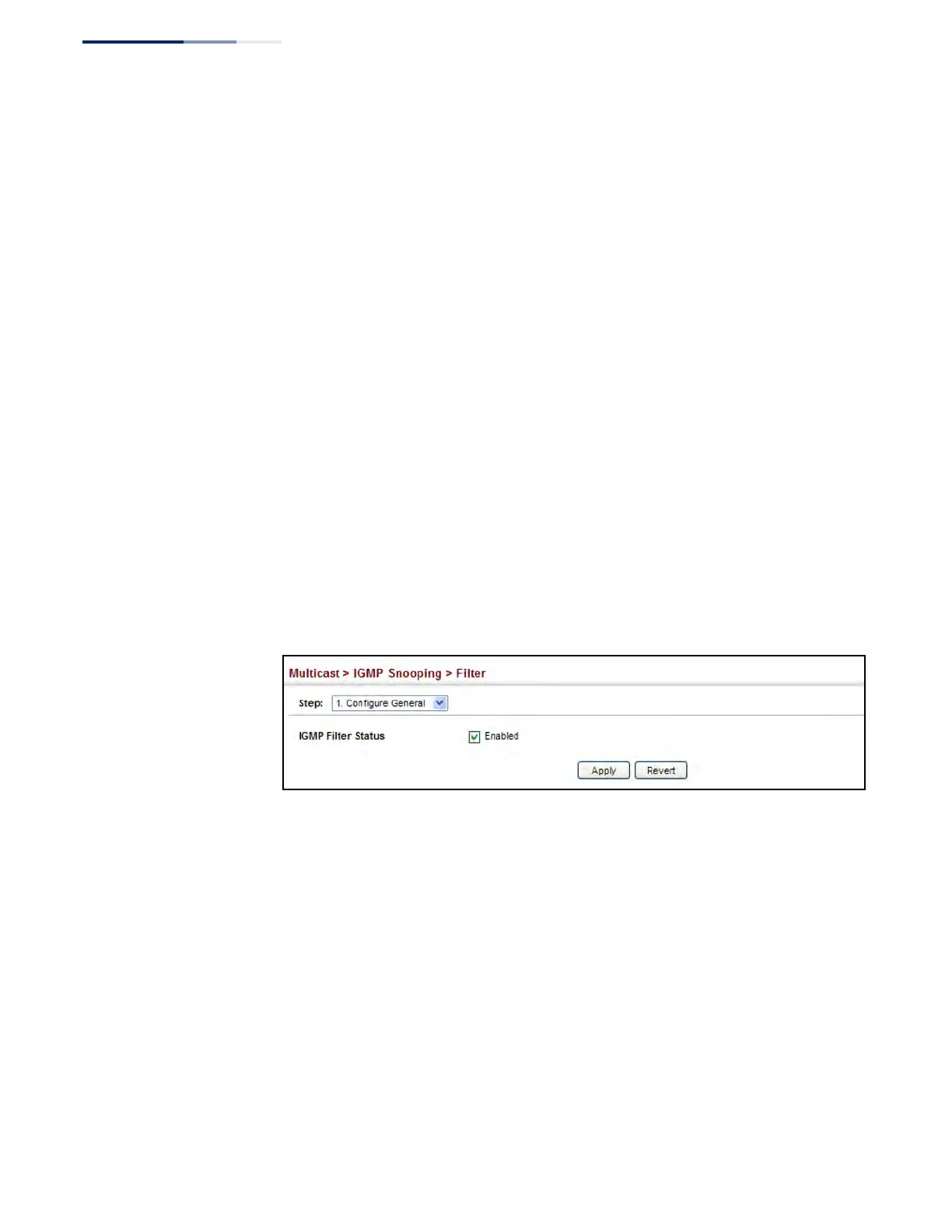
Use the Multicast > IGMP Snooping > Filter (Configure General) page to enable
IGMP filtering and throttling globally on the switch.
Parameters
These parameters are displayed:
◆ IGMP Filter Status – Enables IGMP filtering and throttling globally for the
switch. (Default: Disabled)
Web Interface
To enable IGMP filtering and throttling on the switch:
1. Click Multicast, IGMP Snooping, Filter.
2. Select Configure General from the Step list.
3. Enable IGMP Filter Status.
4. Click Apply.
Figure 350: Enabling IGMP Filtering and Throttling
Configuring IGMP
Filter Profiles
Use the Multicast > IGMP Snooping > Filter (Configure Profile – Add) page to create
an IGMP profile and set its access mode. Then use the (Add Multicast Group Range)
page to configure the multicast groups to filter.
Command Usage
Specify a range of multicast groups by entering a start and end IP address; or
specify a single multicast group by entering the same IP address for the start and
end of the range.











 To Next Page