Chapter 10
| Quality of Service
Creating QoS Policies
– 267 –
Web Interface
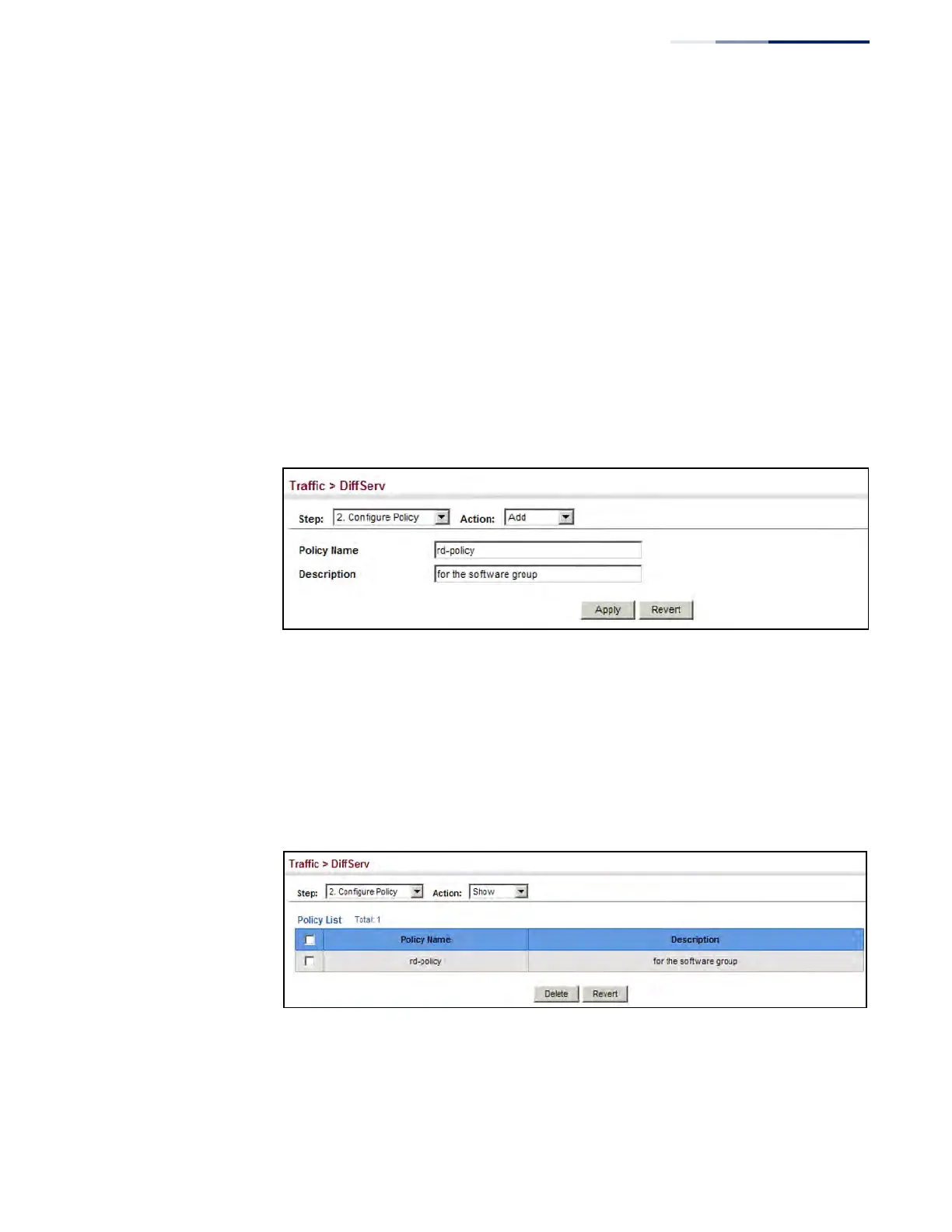
To configure a policy map:
1. Click Traffic, DiffServ.
2. Select Configure Policy from the Step list.
3. Select Add from the Action list.
4. Enter a policy name.
5. Enter a description.
6. Click Add.
Figure 149: Configuring a Policy Map
To show the configured policy maps:
1. Click Traffic, DiffServ.
2. Select Configure Policy from the Step list.
3. Select Show from the Action list.
Figure 150: Showing Policy Maps











 To Next Page